
Do you want to connect Copper CRM to your WordPress website?
Connecting your WordPress website to Copper CRM can be a powerful way to improve your marketing and sales efforts.
FuseWP integrates with Copper CRM to connect your WordPress site to your account and perform actions such as syncing users and leads to marketing and sales lists (People, Leads) in Copper CRM.
Follow the step-by-step guide below to connect FuseWP with your Copper CRM account.
Connecting WordPress to Copper CRM
To integrate Copper CRM with WordPress via FuseWP so you can start capturing leads, follow the guide below.
Firstly, ensure you have the FuseWP plugin installed and activated on your WordPress website.
Log in to your WordPress dashboard and go to FuseWP >> Settings.
Click the “Configure” button in the Copper CRM section to reveal the modal settings.
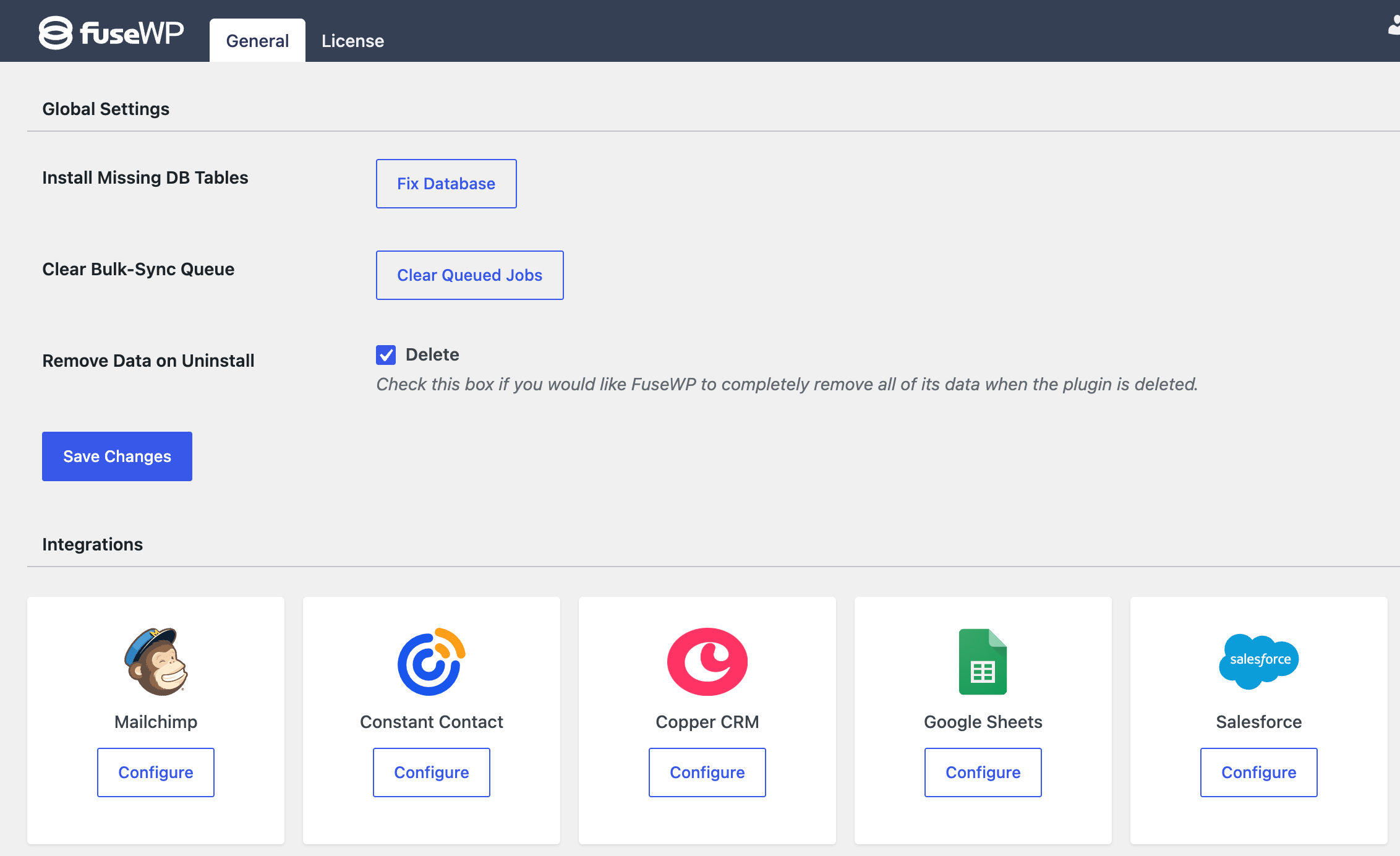
In the configuration modal, click on “Connect to Copper CRM”.
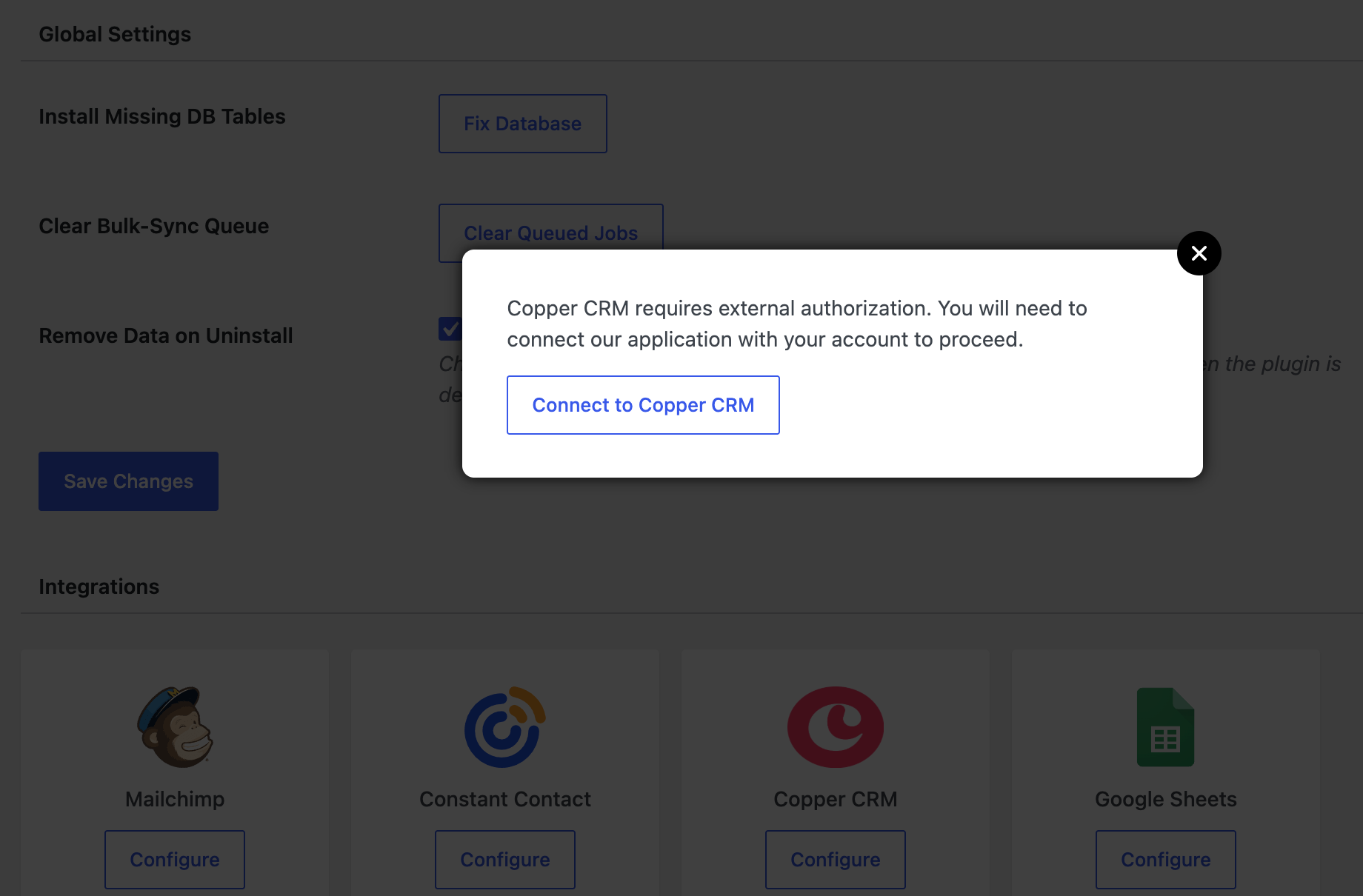
You will be redirected to the authorization page, where you’ll be prompted to log in to your account if you haven’t already.
After you log in, you will need to grant FuseWP access to your account.
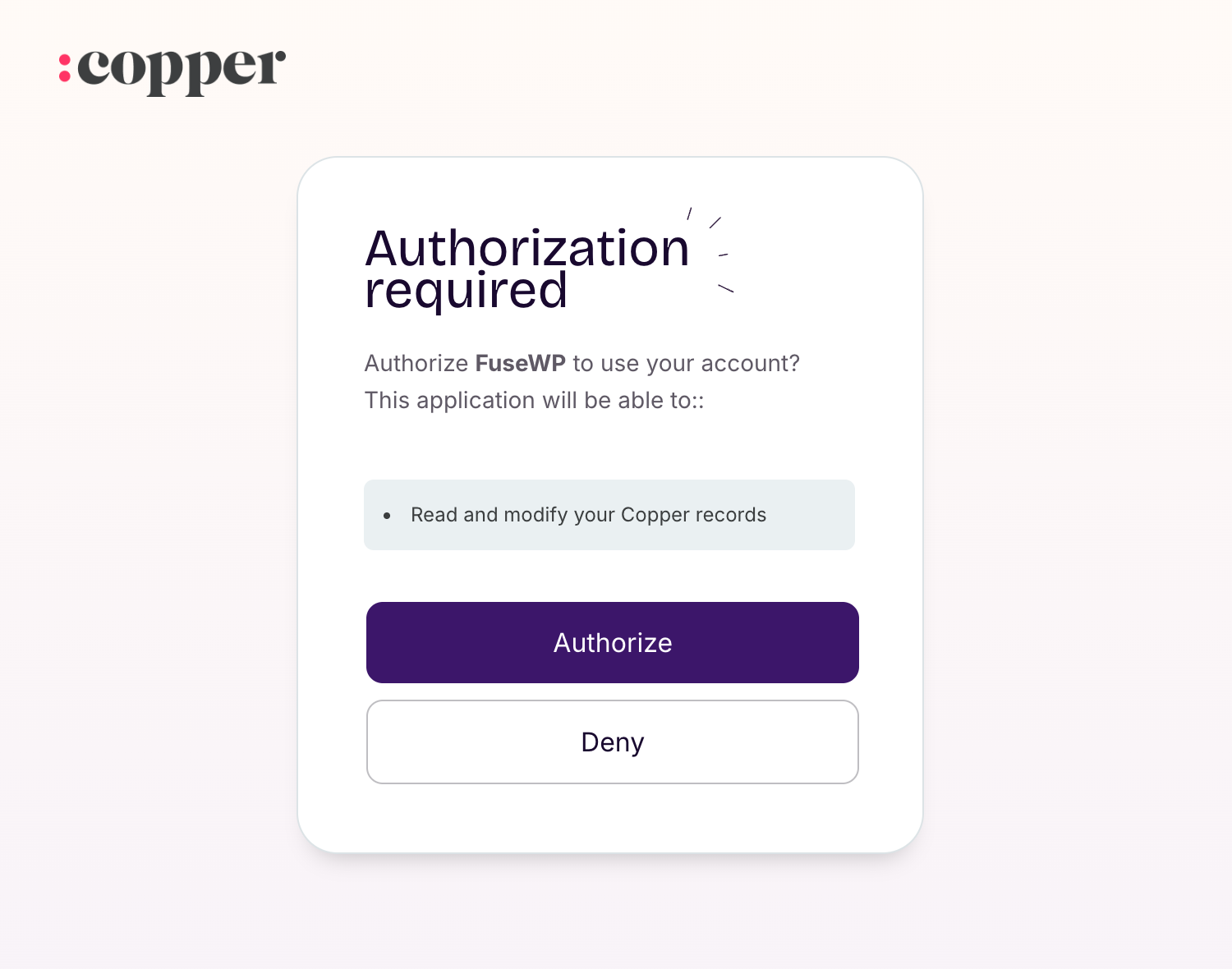
After authorizing the FuseWP app in Copper CRM, you will be redirected to the FuseWP integrations settings page, confirming the integration was successful.
When creating sync rules, you have the option to select Record Types (People or Leads). Note that Leads are turned off by default on new accounts, you may enable leads by navigating to Profile (Upper Left) > Workspace Settings > Customize > Lead Statuses > Enable Leads.
Having completed the integration, you can now sync WordPress users to Copper CRM, leads, customers, and members in various WordPress ecommerce, LMS, forms, and membership plugins to Copper CRM.
FuseWP supports WooCommerce, WooCommerce Memberships, WooCommerce Subscriptions, Easy Digital Downloads, MemberPress, Gravity Forms, WPForms, Contact Form 7, Everest Forms, Formidable Forms, Ninja Forms, SureForms, WS Form, ProfilePress, Paid Memberships Pro, Restrict Content Pro, LearnDash, LifterLMS, Tutor LMS, Sensei LMS, MasterStudy LMS, GiveWP, Academy LMS, Paid Member Subscriptions, WP Travel Engine, FluentCommunity, AffiliateWP, SliceWP etc.
Connect Copper CRM to WordPress Today
FuseWP is a great tool for keeping your email list up to date and synchronized across your WordPress website and Copper CRM.
With its seamless integration, you no longer need to manually export and import data. This automated synchronization ensures your mailing list is consistently accurate and reliable.