
Are you looking for the best WordPress CRM plugins in 2026 to manage better and grow your business?
If you run a WordPress website, you know how quickly customer information can become overwhelming. Emails, contact form submissions, purchase records, support requests, and follow-ups often end up scattered across multiple platforms. Over time, it becomes harder to track conversations, manage leads, and clearly understand your customers.
That’s where WordPress CRM plugins help. They bring your customer data into one place so you can manage contacts, track interactions, and improve communication directly from your dashboard.
In this article, we explain why a WordPress CRM plugin matters and review the best options available.
Why You Need a WordPress CRM Plugin
Running a WordPress website is not just about publishing content or listing products. It is about building relationships.
Every form submission, product purchase, support request, and email signup represents a real person who has shown interest in what you offer. Without a proper system in place, those interactions can easily become scattered and difficult to manage.
Many website owners start by handling customer information manually. Contact details sit inside email inboxes. Order data stays in WooCommerce. Form entries are stored in another plugin. Marketing conversations happen elsewhere. Over time, this separation makes it harder to track conversations, follow up at the right moment, or understand how a lead turns into a paying customer.
A WordPress CRM plugin brings all of that information together inside your dashboard. Instead of jumping between platforms, you can view contact profiles, see interaction history, track purchases, and monitor communication in one place. This makes it easier to respond quickly and avoid missing opportunities.
Another important reason to use a CRM plugin is visibility. When you can clearly see where your leads are coming from and how customers interact with your site, you can make better decisions. You begin to understand which pages convert, which emails get responses, and which products generate repeat buyers.
It also helps you stay organized as your business grows. What works when you have 20 customers may not work when you have 2,000. A CRM system allows you to manage contacts efficiently, assign tasks, and maintain consistent follow-ups without feeling overwhelmed.
In short, if you are serious about growth, communication, and long-term customer relationships, a WordPress CRM plugin is not optional. It becomes an essential part of running your website professionally and sustainably.
How We Compared the Best WordPress CRM Plugins
With so many CRM plugins available, choosing the right one can feel overwhelming. So to make this guide helpful and practical, we followed a clear comparison process based on what truly matters to WordPress users.
Here is what we looked at when evaluating the best WordPress CRM plugins.
1. Core Features: We examined the essential CRM capabilities of each plugin, including contact management, activity tracking, lead management, email integration, tasks, and reporting. A CRM plugin should do more than store contacts; it should help manage relationships, track interactions, and support sales or marketing.
2. Integration with WordPress and Other Plugins: Since this article focuses on WordPress CRM plugins, we paid close attention to how well each option integrates with WordPress itself. We looked at compatibility with popular plugins, including WooCommerce, contact form plugins, email marketing services, and membership plugins. A good CRM should connect easily with the systems you already use.
3. Ease of Use: A powerful plugin is not helpful if it is confusing to use. We evaluated how intuitive the dashboard is, how easy it is to add and manage contacts, and how simple it is to set up workflows.
The goal is to find CRM plugins that make managing customers easier, not more complicated.
4. Pricing and Value for Money: Budget matters for small businesses and growing websites. We compared free and premium plans and their features. Some CRM plugins for WordPress offer generous free plans, while others focus on advanced features for larger businesses. We considered affordability and value.
5. Support and Updates: Regular updates and support are vital for any WordPress plugin. We checked each CRM’s update frequency and access to documentation or customer support.
By considering all of these factors, we created a balanced comparison that goes beyond marketing claims.
The result below is a carefully selected list of the best WordPress CRM plugins to help you make a clear, confident choice.
1. FuseWP
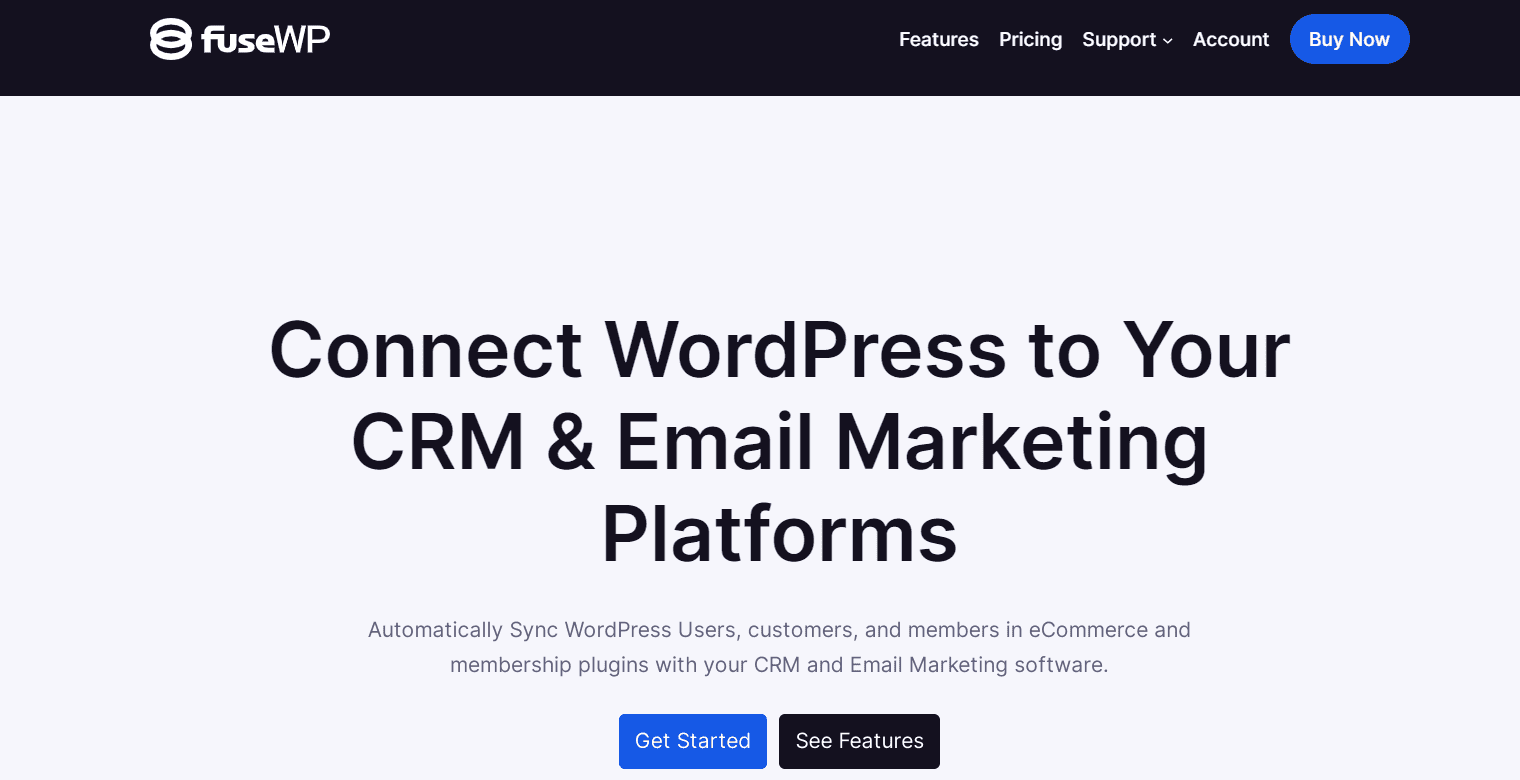
FuseWP earns its place on this list of the best WordPress CRM plugins because it connects your WordPress site directly to your CRM and email marketing platform without the complexity.
Instead of manually exporting contacts or relying on third-party automation services, FuseWP automatically syncs users when they register, update their profiles, or make purchases.
For example, if a user changes their email address, updates their profile, cancels a subscription, deletes their account, makes a purchase, submits a form, enrolls in a course, or subscribes to a membership plan. Those changes are reflected inside your CRM. This level of synchronization reduces errors, prevents outdated records, and keeps your marketing lists accurate.
What makes FuseWP particularly valuable is its wide integration support. Whether you use a form plugin, WooCommerce, a membership site, an LMS platform, or a donation-based website, FuseWP connects your users and customers with popular CRMs and email marketing services.
Features of FuseWP
- Automatic syncing of WordPress users to CRM and email marketing platforms
- Role-based subscription after user registration
- Real-time profile update synchronization
- Automatic unsubscribe when accounts are deleted
- Bulk export and batch sync of existing users
- Integration with major form plugins, including Contact Form 7, Gravity Forms, WPForms, Fluent Forms, Ninja Forms, Formidable Forms, WS Form, and more
- Deep WooCommerce integration, including product-based and order status-based syncing
- Support for WooCommerce Subscriptions and WooCommerce Memberships
- Integration with many plugins, including Easy Digital Downloads, GiveWP, MemberPress, Paid Memberships Pro, ProfilePress, and others
- LMS integrations, including LearnDash, LifterLMS, Tutor LMS, Academy LMS, MasterStudy LMS, and Sensei LMS
- Affiliate plugin support, including AffiliateWP and SliceWP
- Double opt-in control for supported integrations
- Custom field mapping, including Advanced Custom Fields support
- Wide CRM and email marketing integration support, including Mailchimp, ActiveCampaign, HubSpot, Salesforce, Zoho CRM, Brevo, Klaviyo, GetResponse, MailerLite, AWeber, Constant Contact, Campaign Monitor, Sendy, and many others
Pros
- Extensive integration support across eCommerce, LMS, membership, and form plugins
- Keeps CRM data automatically updated based on user activity
- Supports advanced segmentation based on product, subscription, or membership status
- Reduces reliance on third-party automation platforms
- Offers both free and premium versions
Cons
- Advanced integrations and some CRM connections require the premium version
- FuseWP is primarily for syncing rather than full pipeline or deal management
FuseWP Price
FuseWP offers a free Lite version. The premium version unlocks advanced integrations, double opt-in control, custom field mapping, and deeper WooCommerce and LMS support. Premium pricing starts at $119 per year.
2. MailOptin
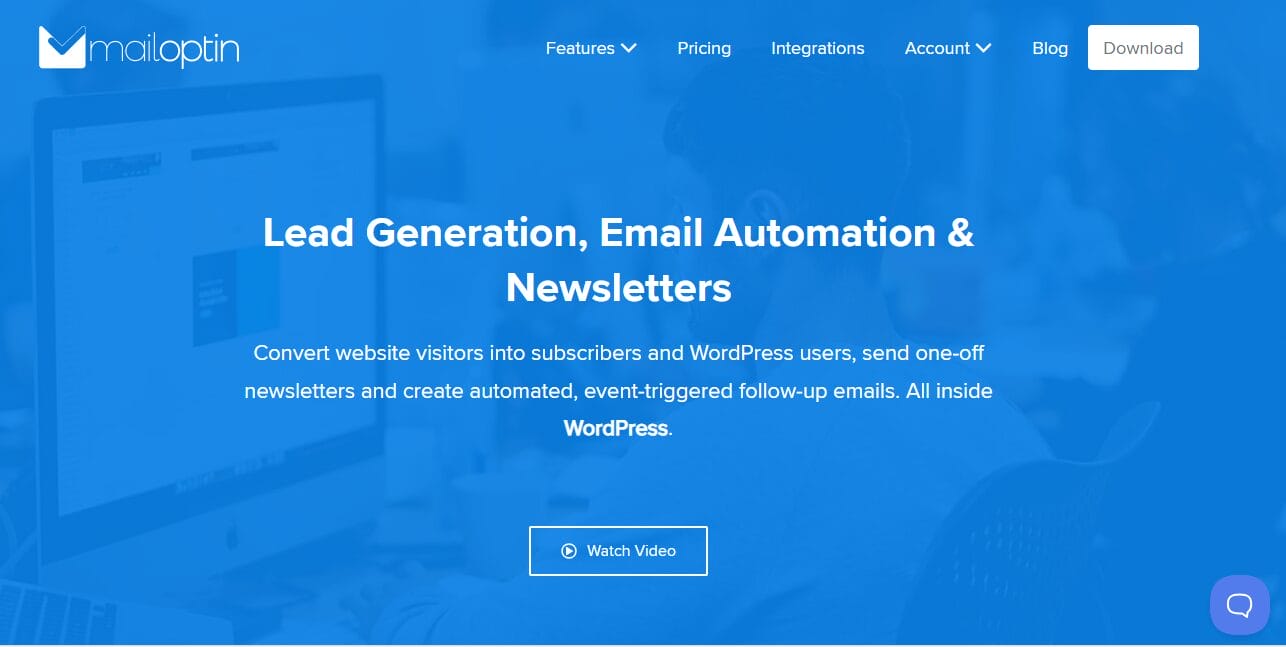
MailOptin was added to this list because of its unique blend of lead generation, email newsletters, and CRM integration.
While it is widely known as a WordPress popup and optin form plugin, MailOptin goes far beyond that. It connects your WordPress site with major email marketing platforms and CRMs, helping you capture leads and automatically sync them to your marketing lists and CRM accounts.
MailOptin lets you create popups, in-post forms, notification bars, slide-ins, and embedded forms without coding. Most importantly, every subscriber gained through these forms can be directly sent to your CRM or email marketing platform. This makes it ideal for website owners who want both lead capture and email automation to work with WordPress.
Another great feature of MailOptin is its newsletter functionality. You can automatically send new post notifications, scheduled digests, and broadcast emails to WordPress users.
Features of MailOptin
- Integration with major email marketing platforms and CRMs such as Mailchimp, Brevo, GetResponse, Campaign Monitor, Salesforce, MailerLite, Google Sheets, Kit, Drip, Mailjet, and HubSpot.
- Popup builder including lightbox popups, slide-ins, notification bars, sidebar forms, and in-post opt-ins
- Automated new post notifications and scheduled email digests
- One-off broadcast emails to WordPress users and connected email lists
- User registration forms integrated with WordPress
- Integration with WooCommerce, Easy Digital Downloads, MemberPress, LearnDash, Paid Memberships Pro, GiveWP, and more
- A/B testing for optin campaigns
- Exit intent technology and advanced display triggers
- Page-level targeting and device targeting
- Content locking for subscriber-only access in WordPress
- Custom field support and advanced analytics
- Facebook Custom Audience integration
- Spam protection, including Honeypot, reCAPTCHA, and Cloudflare Turnstile
Pros
- Combines lead generation and email automation in one plugin
- Extensive CRM and email marketing integration support
- Built in newsletter automation for WordPress content
- Advanced targeting and trigger options
- Suitable for WooCommerce, LMS, and membership sites
Cons
- Not a full pipeline or deal management CRM
- Advanced automation and targeting features require the premium version
MailOptin Price
MailOptin offers a Lite version with essential pop-up and email capture features. The premium version unlocks CRM integrations, automation, A/B testing, display triggers, and deeper support for WooCommerce and LMS. Premium pricing starts at $99.
3. ProfilePress
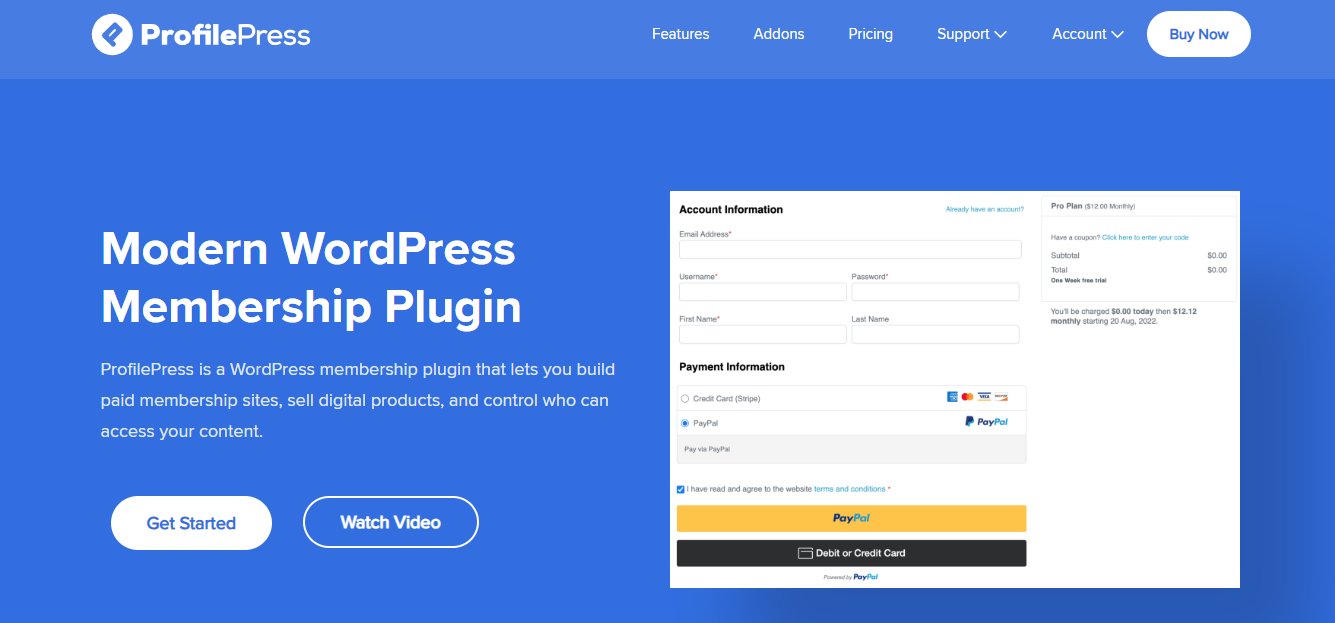
ProfilePress is a powerful WordPress membership and ecommerce plugin built for businesses that want to sell digital products, run subscriptions, and control user access without relying on multiple plugins.
You might be wondering why it appears on this list of the best WordPress CRM plugins. That is a fair question.
ProfilePress is not a traditional CRM with deal pipelines or sales stages. However, it earns its place here because it can subscribe members to your CRM lists when they register or purchase a membership through its checkout form, and it automatically syncs profile changes with your CRM. It integrates with major CRMs, including Mailchimp, Campaign Monitor, and MailerLite.
If your business depends on subscriptions or paid access, keeping customer data in sync with your marketing platform is essential.
Features of ProfilePress
- CRM and email marketing integrations, including Mailchimp, Campaign Monitor, and MailerLite
- Accept one-time and recurring payments
- Sell memberships, subscriptions, and digital downloads
- Content restriction and paywall functionality
- Custom registration, login, password reset, and checkout forms
- Drag and drop form builder
- Member dashboards and profile management
- Detailed ecommerce and membership reports
- LMS integrations including LearnDash, LifterLMS, Tutor LMS, Academy LMS, and more
- WooCommerce membership integration
- Social login and two-factor authentication
- Email confirmation and user moderation
- EU VAT and tax collection support
- Spam protection with reCAPTCHA, Cloudflare Turnstile, and Akismet
Pros
- Combines payments, membership management, and CRM syncing
- Supports multiple payment gateways
- Flexible content restriction rules
- Works well for online courses and subscription sites
- Integration with popular email marketing platforms
Cons
- Not a full pipeline or deal management CRM
- Advanced features require premium addons
ProfilePress Price
ProfilePress offers a free version with basic membership features. Premium plans unlock payment gateways, CRM integrations, content restriction options, reporting, and premium addons. Pricing starts at $129 per year.
4. HubSpot
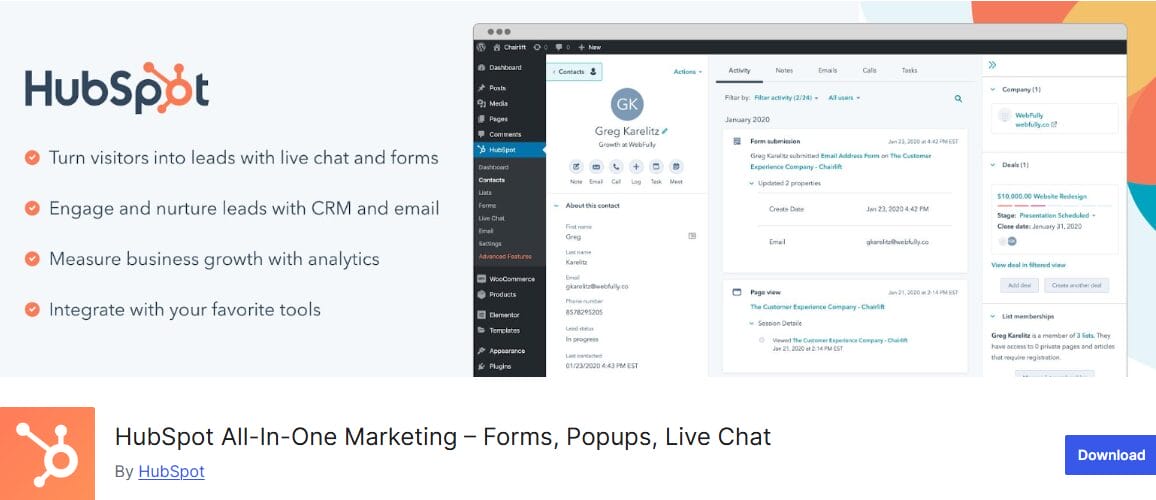
HubSpot is an excellent WordPress CRM plugin that gives you access to contact management, email marketing, live chat, forms, automation, and reporting from one connected system.
What makes HubSpot appealing to WordPress users is the amount of functionality available right after installation. Once connected, you can capture leads through forms and popups, track visitor activity, manage contacts inside the CRM, and send email campaigns without leaving your dashboard.
Every interaction, from page views to email opens and chat conversations, is recorded on a unified contact timeline. For businesses that want visibility into the entire customer journey, this is a major advantage.
Another reason HubSpot ranks among the best WordPress CRM plugins is its scalability. You can start with the free CRM and expand into advanced marketing, sales, or service features as your business grows.
Features of HubSpot
- Built-in CRM with contact management
- Unified contact timeline showing page views, emails, and conversations
- Email marketing with a drag-and-drop builder
- Email automation and scheduling
- A/B testing for email campaigns
- Live chat and chatbot builder
- Custom forms and popup forms
- Lead capture and prospect tracking
- Pipeline management for sales teams
- Marketing and website analytics dashboards
- Mobile app access
- Integrations with over 1,000 third-party services, including WooCommerce, Stripe, Slack, Salesforce, Mailchimp, and Google Ads
Pros
- Free CRM with generous features
- Combines CRM, email marketing, live chat, and analytics in one platform
- Detailed contact activity tracking
- Large ecosystem of integrations
- Scales well for growing businesses
Cons
- Advanced automation and reporting require paid plans
- Can feel overwhelming for small sites that only need basic contact management
- Learning curve for beginners
HubSpot Price
HubSpot offers a free WordPress plugin that includes its core CRM, forms, live chat, and basic email marketing features. Paid plans for Marketing, Sales, and Service Hubs are available in different tiers, based on features and contact limits.
Pricing typically starts at around $9 per month for starter plans, with higher tiers increasing with usage and advanced functionality.
5. FluentCRM

FluentCRM is a self-hosted WordPress CRM plugin that gives businesses full control over email marketing and customer management, all from the WordPress dashboard.
Unlike other CRMs that require external dashboards, FluentCRM lets you manage your audience directly on your WordPress website.
It combines email marketing, automation, and contact management. You can import WordPress users, WooCommerce customers, or CSV contacts, segment them using tags and lists, and send targeted campaigns from a single dashboard.
FluentCRM also has a visual funnel builder that lets you automate sequences triggered by actions such as form submissions, product purchases, course enrollments, or membership sign-ups, making it a great choice for businesses that want marketing automation without leaving WordPress.
Features of FluentCRM
- Self-hosted CRM and email marketing inside WordPress
- Contact management with lists, tags, and advanced filters
- Unlimited contacts and email campaigns
- Visual automation and funnel builder
- Email campaign scheduling and detailed reporting
- Email open rate and click tracking
- Dynamic content personalization in emails
- Built-in analytics dashboard
- WooCommerce integration with purchase-based segmentation
- LMS integrations, including LearnDash, LifterLMS, TutorLMS, and LearnPress
- Membership plugin integrations, such as Paid Memberships Pro and MemberPress
- Double opt-in support
- GDPR ready with full data ownership
Pros
- Fully self-hosted with complete data control
- Unlimited contacts and campaigns
- Deep integration with ecommerce and LMS plugins
- Advanced automation builder included
- Competitive pricing compared to SaaS CRM platforms
Cons
- May feel technical for users new to CRM and email marketing automation
- Advanced integrations are available only in the Pro version
FluentCRM Price
FluentCRM offers a free version with basic contact management and email marketing features. The Pro version unlocks advanced automation, ecommerce integrations, and extended reporting. Premium plans start at $103 per year for a single site license, with higher tiers available for multiple sites.
6. Jetpack CRM
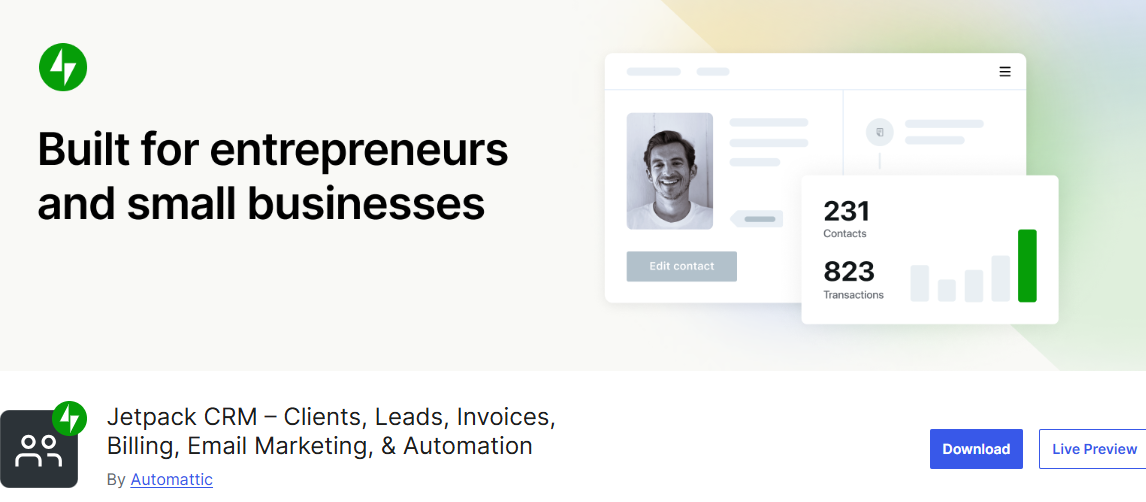
Jetpack CRM is an excellent business-focused CRM built specifically for WordPress users who want simplicity and control. Rather than overwhelming you with complex sales pipelines and enterprise-level tools, it concentrates on the core essentials: managing contacts, tracking leads, sending quotes, and getting paid.
One of Jetpack CRM’s biggest advantages is that it runs entirely on your WordPress site. This self-hosted approach gives you full ownership of your customer data and lets you manage everything directly from your dashboard.
For WooCommerce store owners, freelancers, consultants, and small agencies, this setup feels natural. You can sync customers and transactions, log payments, create invoices, and even provide clients with a dedicated portal to view quotes and billing history.
Features of Jetpack CRM
- Contact management for leads and customers
- Quote builder for proposals
- Invoice builder with online billing
- Transaction and payment tracking
- Client portal for viewing invoices, quotes, and files
- WooCommerce customer and transaction sync
- Front-end lead capture forms
- Task scheduler and activity log
- Dynamic contact segmentation
- Custom fields and tagging system
- CSV contact importer
- Extensions for automations and email campaigns
- Stripe and PayPal integrations (via extensions)
- Self-hosted with full data control
Pros
- Fully self-hosted with complete data ownership
- Built-in invoicing and client portal features
- Ideal for freelancers, agencies, and small businesses
- WooCommerce integration available
- Free core plugin with optional extensions
Cons
- Advanced automation requires paid extensions
- Interface may feel basic compared to larger SaaS CRMs
- Not as feature-rich for large enterprise sales teams
Jetpack CRM Price
Jetpack CRM includes a free core plugin with basic contact management. Advanced features like invoicing are available in paid plans, with prices starting at $11 per month (billed annually).
7. Groundhogg
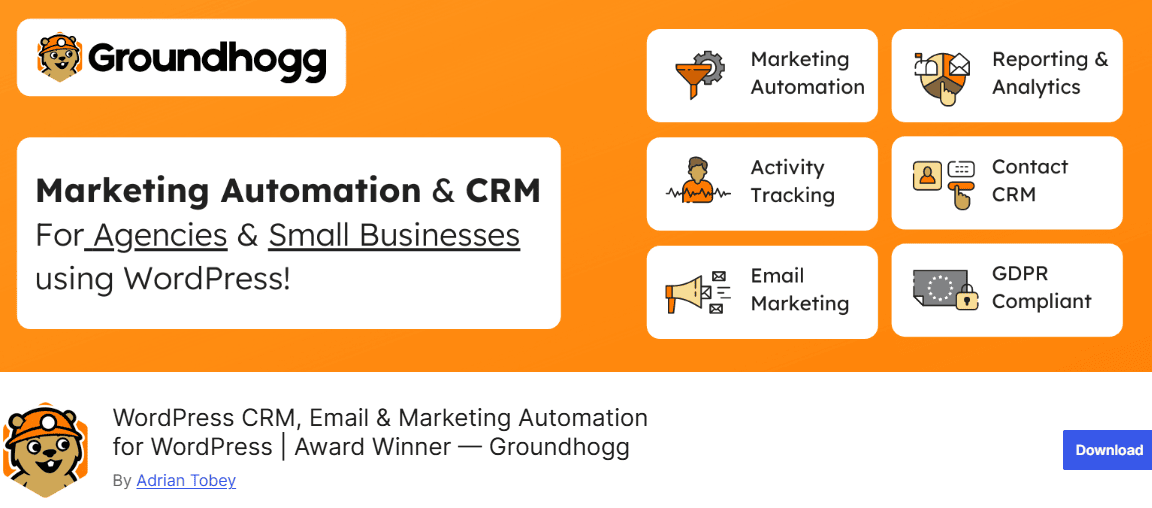
Groundhogg is an excellent self-hosted CRM and marketing automation plugin that gives you full control over your data, automations, and email marketing, all from your WordPress dashboard.
What truly sets Groundhogg apart is its visual Flow Builder. With it, you can design simple or advanced customer journeys that automatically nurture leads, trigger emails, assign tags, and move contacts through your funnel based on real actions.
Whether someone fills out a form, makes a WooCommerce purchase, enrolls in a course, or joins your membership site, you can build automated sequences that guide them toward conversion. And unlike many SaaS platforms, Groundhogg does not charge based on the number of contacts or emails you send.
Features of Groundhogg
- Visual Flow Builder for marketing automation
- Unlimited contacts, emails, and automations
- Advanced contact segmentation and tagging
- Detailed activity and email history tracking
- Built-in email marketing and broadcast campaigns
- WooCommerce, LearnDash, LifterLMS, and AffiliateWP integrations
- Open API for custom triggers and actions
- Advanced analytics with open, click, and conversion tracking
- GDPR-ready tools with consent tracking and preference center
- 45+ premium extensions for sales pipelines, lead scoring, booking calendars, and more
Pros
- No contact or email sending limits
- Fully self-hosted with complete data ownership
- Powerful automation builder inside WordPress
- More cost-effective in the long term compared to SaaS CRMs
Cons
- The setup may feel advanced for beginners
- Premium extensions are needed for certain advanced features
Groundhogg Price
Groundhogg offers a free core plugin with essential CRM and automation features. Premium plans unlock advanced extensions, deeper integrations, and additional features. Premium plan starts at $20 per month.
Conclusion
We hope this guide helped you find the best WordPress CRM plugins for your business. Choosing the right CRM can make managing contacts, leads, and customer interactions much easier, while also helping you grow your business.
When managing customer relationships on your WordPress site, we recommend focusing on three top CRM solutions: HubSpot, FuseWP, and MailOptin.
HubSpot provides a robust array of tools for effective CRM and marketing integration. FuseWP offers seamless syncing between your WordPress site and your CRM, minimizing manual effort. MailOptin excels at lead generation and email marketing, all from your dashboard.
By choosing any of these options, you can improve customer interactions and drive business growth effectively.