
Do you want to discover the best membership management software platforms to manage your members, automate payments, and grow your organization faster in 2026?
If you found yourself nodding at that question, you’re in the right place.
The truth is, choosing the right membership management system is not always easy. There are countless options, ranging from basic billing solutions to complete membership software that includes CRM, events, and even a member directory.
While some are built for creators offering gated content, others focus on associations with large member bases, while a few try to handle everything in one place.
This article is designed to help you make the right choice. You will learn what membership management software is and what to look out for. We’ve also reviewed the best membership management software platforms so you can compare them.
What Is Membership Management Software?

Membership management software is a dedicated platform designed to help organizations manage every aspect of their membership operations, from sign-ups and renewals to payments, communication, and reporting, all from a single, centralized system.
Think of it as the backbone of your organization. Instead of bouncing between spreadsheets, email tools, payment processors, and event platforms, membership management software brings everything together in one place. You get a clear, real-time view of your members, your finances, and your overall organizational health.
Core Features to Look for in Membership Software
Below are the most important features every solid membership management system should have, along with why they matter.
1. Member Database and Directory: A user database is the foundation of any good membership software program. This is where all your member information lives, including contact details, membership status, and activity history. With built-in member directory software, members can also view and connect. This is especially useful for communities, associations, and clubs where networking plays a big role.
2. Payment and Subscription Management: Handling payments manually can quickly become stressful and error-prone. A reliable membership software online platform should automate billing, track payments, and manage renewals. This is especially important for any SaaS membership platform or subscription-based setup.
3. Member Portal and Self-Service Access: Modern users expect convenience. A good membership platform should include a self-service portal that lets members log in, update their details, renew subscriptions, and access content. This reduces support requests and gives members more control over their accounts, which improves overall satisfaction.
4. Communication and Email Features: Clear communication keeps your members engaged. A good membership management system should allow you to send emails, announcements, and updates directly from the platform.
5. Event Management: If your organization hosts events, this feature is a must. Many membership programs include tools for event creation, registration, and attendance tracking. From webinars to physical meetups, having everything managed within your system saves time and keeps your data consistent.
6. Content Access and Restrictions: For creators and online businesses, controlling access to content is important. Good website membership software lets you restrict content by membership level. This means you can offer different tiers, giving members access to specific content depending on their subscription.
7. Reporting and Analytics: Data helps you make better decisions. A solid membership management software should provide insights into member activity, renewals, and revenue. With this information, you can identify trends, understand member behavior, and improve your overall strategy.
8. Integrations and Flexibility: No system works in isolation. The best membership management systems integrate with other platforms, such as email services, payment gateways, and CRMs. This flexibility ensures your system fits into your existing workflow rather than forcing you to change everything.
When these features come together, you get more than just a system. You get a platform that supports your growth, keeps your operations organized, and improves how your members interact with your organization.
Below are the best membership management software platforms available in 2026.
1. ProfilePress
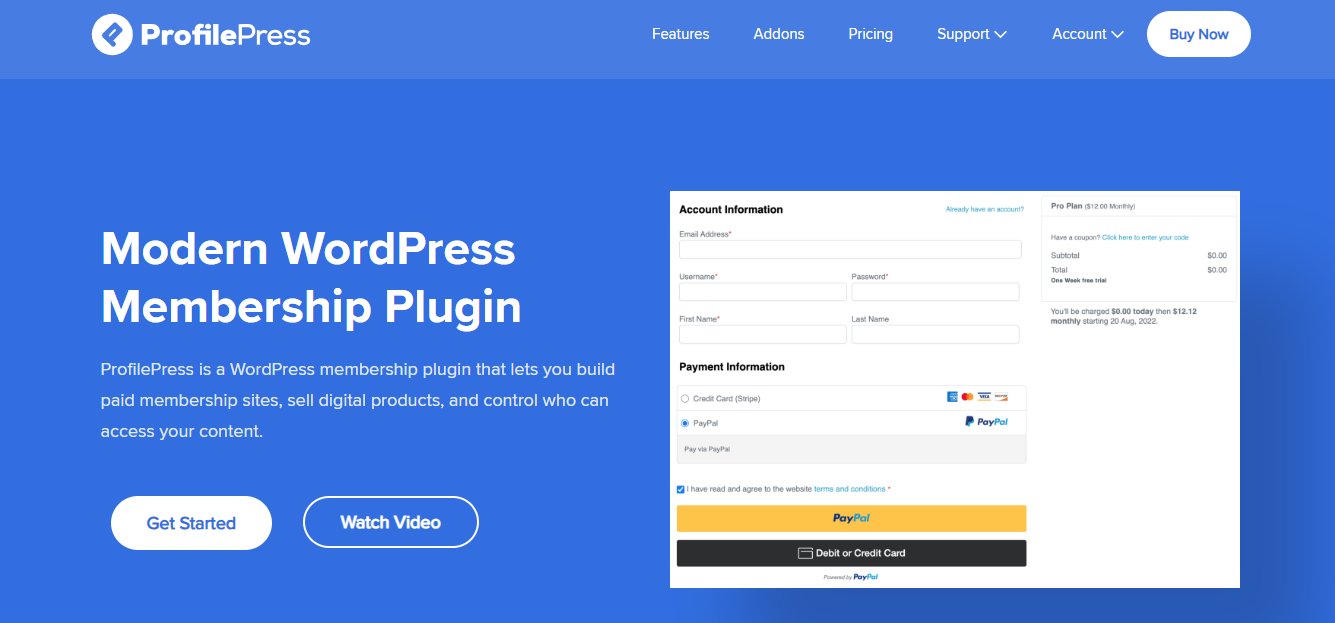
ProfilePress is membership management software built specifically for WordPress users who want full control over how they manage members, payments, and content access. It goes beyond basic membership features by combining ecommerce, subscription management, and user management into one system.
If you are running a membership site, selling digital products, or offering paid access to content, it gives you everything you need.
With ProfilePress membership plugin for WordPress, you can accept both one-time and recurring payments, sell subscriptions, and restrict content behind a paywall with just a few clicks. It supports multiple payment gateways, including Stripe, PayPal, Paystack, Razorpay, and Mollie, which makes it a great option for global users.
Features of ProfilePress
- Accept one-time and recurring payments
- Supports Stripe, PayPal, Paystack, Razorpay, Mollie, and bank transfer
- Drag-and-drop form builder for registration, login, and checkout
- Custom user profiles and member directories
- Content restriction and paywall functionality
- Subscription management and automated billing
- Email customization and login redirects
- Detailed reporting for sales, revenue, and member activity
- LMS integrations (Tutor LMS, LearnDash, LifterLMS, and more)
- Social login and two-factor authentication
- WooCommerce integration for membership-based stores
Price
ProfilePress offers a free version with basic features. Paid plans start at $129 per year.
Pros
- All-in-one membership platform software for WordPress
- Supports multiple global payment gateways
- Flexible content restriction and paywall options
- Easy form creation with drag-and-drop builder
- Works well for both small and large membership sites
Cons
- Only available for WordPress users
- Some advanced features require premium addons
Best For
ProfilePress is best for website owners, creators, and businesses looking for a powerful membership software online solution within WordPress. It is ideal for selling memberships, digital products, online courses, and building communities.
2. Ultimate Member
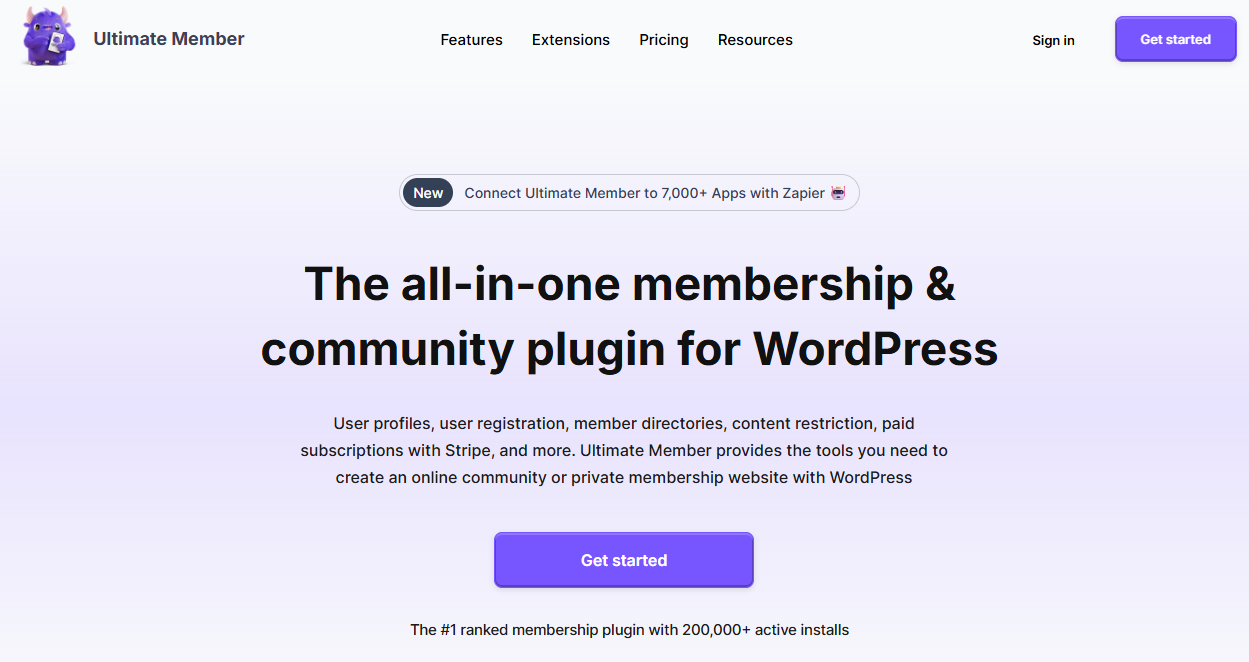
Ultimate Member is one of the few excellent WordPress membership plugins designed to make it easy to build community websites. It focuses heavily on user profiles, registration, and interaction, making it a great option if your goal is to create an engaging membership site.
One of Ultimate Member’s biggest strengths is how it handles front-end user experiences, from registration and login to profile management, creating a smooth, professional feel for your members.
It also includes a drag-and-drop form builder that lets you create custom registration forms with conditional logic, making it the perfect membership software for websites that need more than just basic signup functionality.
Features of Ultimate Member
- Front-end user registration, login, and profile management
- Drag-and-drop form builder with custom fields
- Conditional logic for form fields
- Custom user roles and permissions
- Member directories with search functionality
- Content restriction based on user roles
- User account dashboard and profile pages
- Email notifications for users
- Social features with extensions (followers, messaging, activity)
- Integration with Stripe for paid memberships (via extension)
- WooCommerce integration for ecommerce functionality
- Spam protection with Google reCAPTCHA
Price
Ultimate Member offers a free core plugin with essential features. Paid extensions and bundles are available for additional functionality, with pricing starting at $276 per year.
Pros
- Easy to set up and use on WordPress
- Great for building community-focused membership sites
- Flexible form builder with customization options
- Wide range of extensions for added functionality
- Works well as member directory software
Cons
- Payment features require paid extensions
- It can become expensive when multiple addons are needed
- Not ideal for advanced subscription-based businesses
Best For
Ultimate Member is best for website owners and communities that want to focus on user interaction and engagement. It works well for social platforms, forums, and websites that need excellent profile and directory features rather than advanced billing systems.
3. Wild Apricot
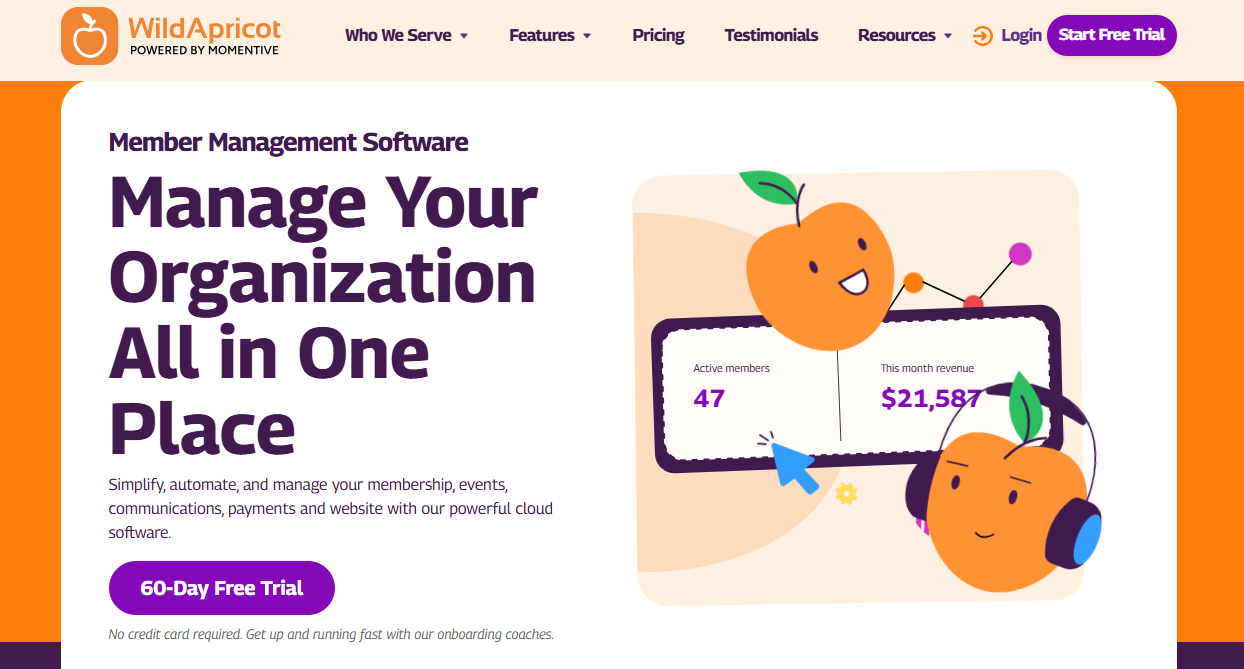
Wild Apricot is a recognized name in the membership management software space, especially among associations and nonprofits. It has been around for years and is trusted by thousands of organizations to manage members, events, and payments in one place.
What makes Wild Apricot appealing is its built-in website builder. Not every organization has a website ready, and this platform solves that by letting you create one directly inside the system. You can design pages, manage content, and connect everything to your member database without needing separate website membership software.
Alongside that, it offers features like recurring billing, event registration, and email campaigns, making it a complete membership management system for many use cases.
Features of Wild Apricot
- Member database with self-service portal
- Built-in website builder with templates
- Event management with registration and payments
- Recurring membership billing and subscriptions
- Email campaigns and newsletters
- Mobile app for members
- Integration support with many third-party apps
Price
Wild Apricot pricing starts at around $66 per month, with a 60-day free trial available. Plans increase based on the number of contacts you manage.
Pros
- All-in-one membership platform software
- Built-in website builder
- Supports recurring payments and event management
- Over 1,000 integrations via Make
Cons
- The interface can feel outdated
- Limited customization beyond templates
Best For
Wild Apricot is best for small to mid-sized associations and nonprofits that want a complete membership management system with a built-in website.
4. Glue Up
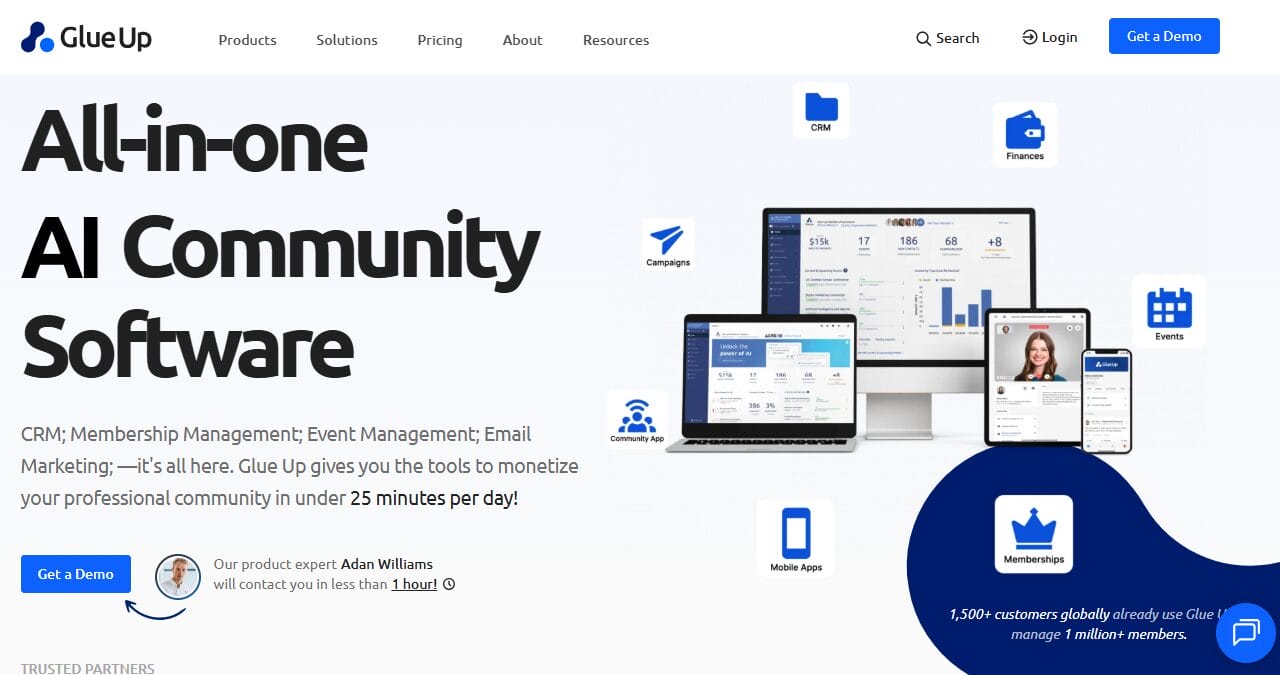
We added Glue Up to this list because it is an effective membership management software built for organizations that operate at a larger scale, especially those with international reach or multiple chapters.
Glue Up brings together CRM, events, memberships, and communication into one system. It is designed for associations and nonprofits that need more than just member tracking, particularly those managing complex operations across different regions.
Glue Up also shines in events and community building. Whether you are hosting in-person gatherings, virtual sessions, or hybrid events, the platform provides the structure needed to manage them smoothly.
Features of Glue Up
- CRM with membership lifecycle tracking
- AI-powered engagement scoring
- Event management for in-person, virtual, and hybrid events
- Chapter management for multi-location organizations
- Private member communities and discussion boards
- Multi-currency payment processing
- Email communication and campaign tools
Price
Glue Up pricing starts at around $1,000 per year for the Lite plan, with higher tiers such as Plus and Pro.
Pros
- Ideal for international organizations with multi-currency support
- Advanced event management capabilities
- Built-in community and engagement features
- Powerful CRM with detailed member tracking
Cons
- Pricing is high for small organizations
- Requires a demo or sales call to get started
- May feel complex for simple membership needs
Best For
Glue Up is best for international associations, multi-chapter organizations, and event-driven nonprofits that need a powerful membership management system to handle complex operations across different regions.
5. MemberStack
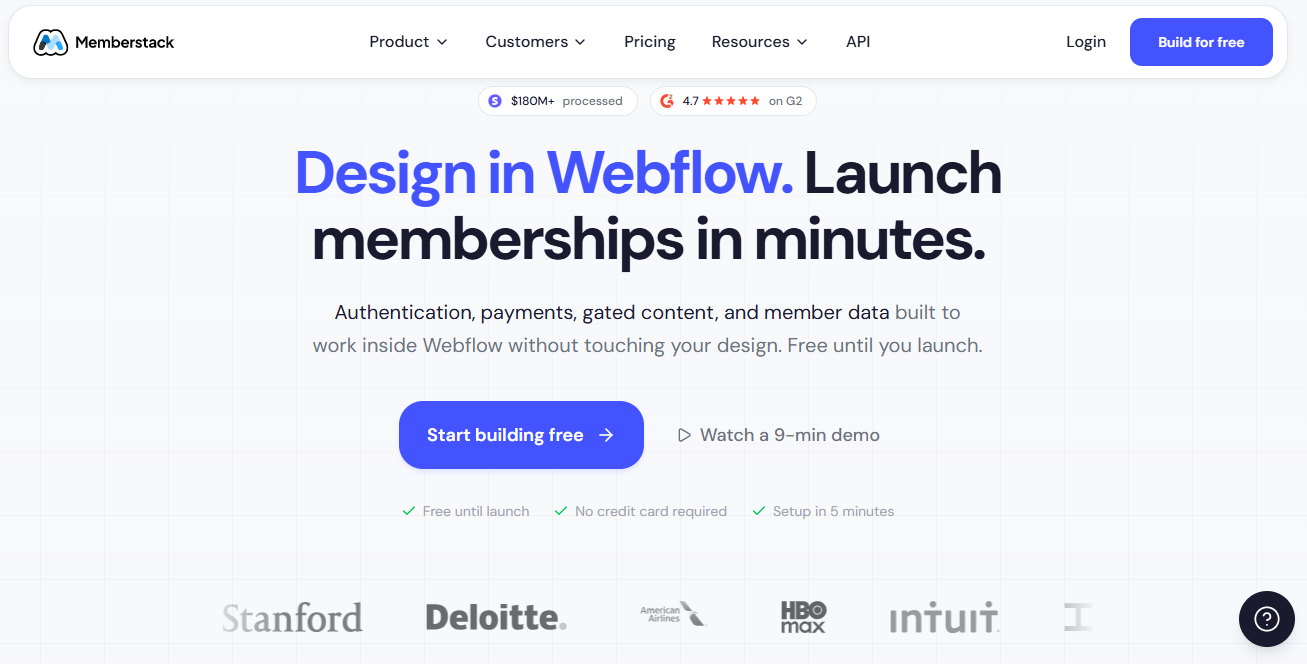
MemberStack is a modern SaaS membership platform built for creators and businesses looking to add membership functionality to their websites without heavy backend setup.
It is especially popular among Webflow users, who add a simple script to their site to control access to content based on membership plans.
MemberStack is unique in that it focuses on content access and payments. You can create different membership tiers, connect to Stripe for subscriptions or one-time payments, and decide exactly what each member can see on your site.
Features of MemberStack
- Membership gating for Webflow websites
- Stripe integration for subscriptions and one-time payments
- Custom login and signup components
- Plan-based content access control
- Member data tracking and dashboard
- Works with Webflow and WordPress setups
Price
MemberStack pricing starts at $29 per month. There is also a 4% transaction fee on payments, in addition to standard Stripe fees.
Pros
- Works well with Webflow and WordPress
- Quick setup without complex configuration
- Flexible content access control
- Helpful documentation and active community
Cons
- No built-in CRM or email system
- Requires extra services for full functionality
- Transaction fees can add up over time
Best For
MemberStack is best for Webflow users who want an easy way to add gated content and manage subscriptions.
6. Podia
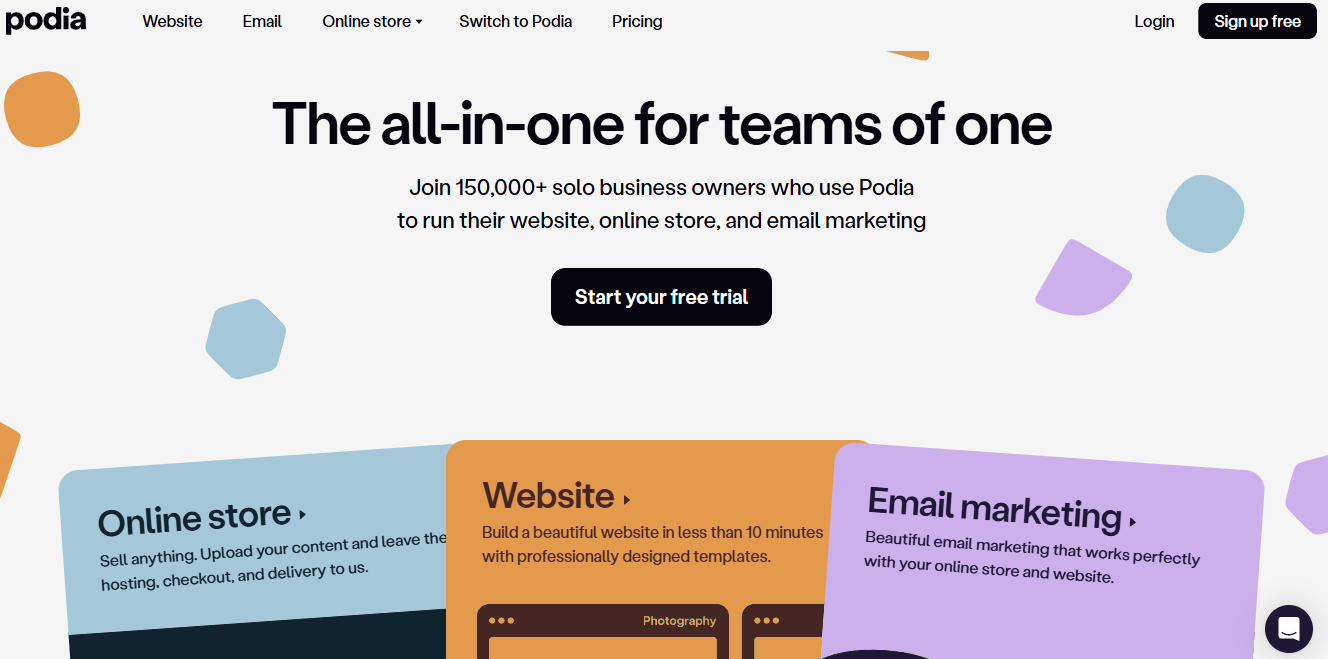
Podia is a well-known membership management software built for creators and small businesses that want to sell digital products, courses, and memberships without dealing with technical setup.
It brings together a website, an online store, and email marketing into a single platform, making it easier to manage everything from a single dashboard. If your focus is on creating and selling content rather than managing complex systems, Podia offers a clean and easy way to get started.
What makes Podia appealing is how it combines multiple functions into one place. You can build a website, upload courses, sell downloads, host webinars, and run memberships without needing separate services. It also includes built-in email marketing, allowing you to send newsletters and automate communication with your audience.
Features of Podia
- Website builder with custom domain and templates
- Online store for courses, downloads, coaching, webinars, and memberships
- Built-in email marketing with automation
- Unlimited products on all plans
- Affiliate program
- Community and membership features
Price
Podia offers two main plans. The Mover plan starts at $39 per month (or $33 per month billed annually) with a 5% transaction fee. The Shaker plan starts at $89 per month (or $75 per month annually) with no transaction fees. A 30-day free trial is available.
Pros
- Easy to set up without technical skills
- Combines website, store, and email in one platform
- Unlimited products on all plans
- No transaction fees on the higher plan
Cons
- Limited design flexibility compared to custom-built sites
- Lacks advanced CRM and member management features
- May feel restrictive as your business grows
Best For
Podia is best for solo creators, coaches, and small businesses looking for an easy-to-use membership software program to sell digital products, courses, and memberships from one place.
7. Outseta
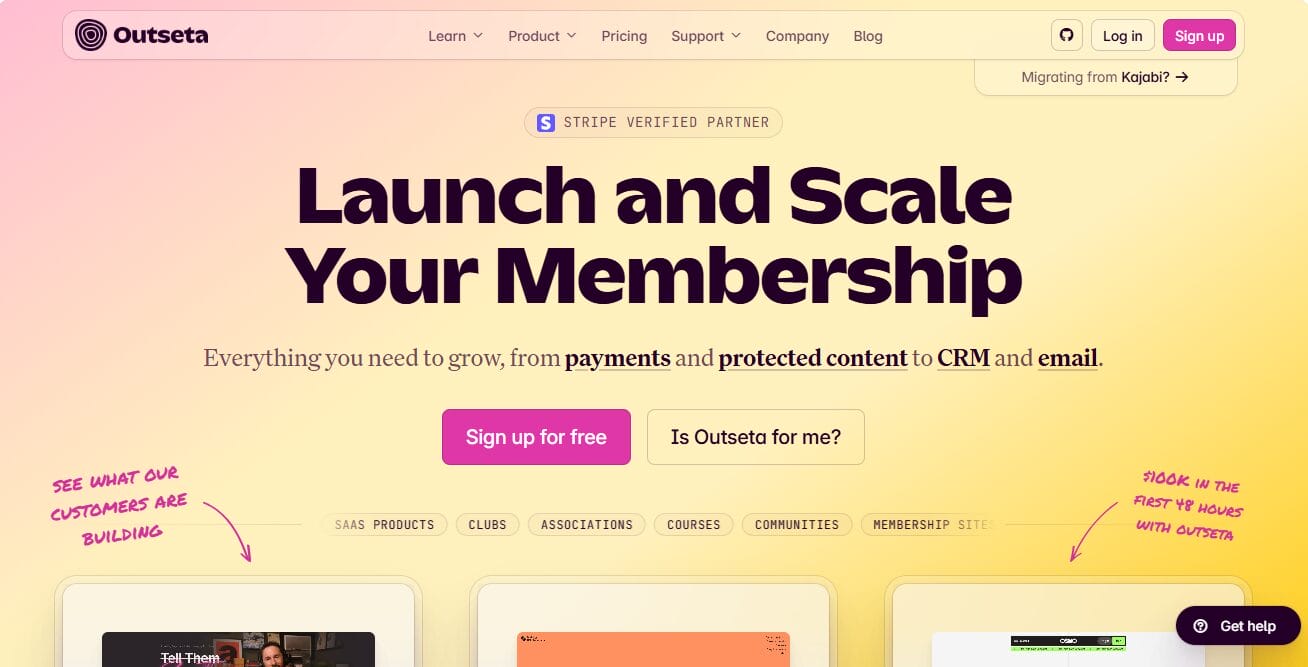
Outseta is one of the best membership software platforms built for startups, creators, and businesses that want everything in a single platform. Outseta consolidates payments, user authentication, email marketing, and customer support into a single dashboard.
With Outseta, you can manage subscriptions, track member data, send emails, and even handle customer support. It works with various website setups like Webflow, WordPress, and custom sites, making it a reliable platform for developers and non-technical users seeking a unified setup.
Features of Outseta
- Subscription and one-time payment processing
- Authentication with login, signup, and content protection
- CRM for managing member and prospect data
- Help desk with live chat, support tickets, and knowledge base
- Reporting for revenue, churn, and engagement
- Supports Apple Pay, Google Pay, SEPA, iDEAL, and more
- Works with Webflow, WordPress, React, and other platforms
Price
Outseta’s pricing starts at $37 per month, and you can try it free for 7 days before committing. All plans include unlimited team members, which is a nice bonus for growing teams.
Pros
- Combines billing, CRM, email, and support in one platform
- Works with different website builders and custom setups
- No per-user pricing for team members
- Useful reporting and analytics features
Cons
- May not suit large associations with complex structures
- Smaller ecosystem compared to some WordPress-based platforms
Best For
Outseta is best for SaaS startups, creators, and growing businesses that want an all-in-one membership management system to manage subscriptions, users, and communication from a single platform.
8. Patreon

Patreon is one of the most well-known names in the membership management software space, especially among creators.
It is built for people who already have an audience, such as YouTubers, podcasters, artists, and musicians, and want to earn recurring income from their fans. Instead of building your own membership site from scratch, Patreon provides a ready-made platform where supporters can subscribe to access exclusive content.
With Patreon, you can create membership tiers, upload exclusive content, and interact with your audience without worrying about technical setup. It also includes built-in community features like comments, chats, and direct messaging, which help creators stay connected with their supporters.
Features of Patreon
- Creator pages for memberships and digital product sales
- Monthly and annual membership tiers
- Video hosting with upload limits
- Community features like chats, polls, comments, and messages
- Native mobile apps for iOS and Android
- Built-in audience discovery within the platform
Price
Patreon is free to start. It charges a platform fee of about 10% for new creators, along with payment processing fees of around 2.9% plus a fixed fee per transaction.
Pros
- No upfront cost to get started
- Built-in audience discovery
- Easy setup with no technical skills required
- Mobile apps for both creators and members
Cons
- Platform and transaction fees reduce overall earnings
- Limited control over branding and design
Best For
Patreon is best for creators with an existing audience who want an easy way to earn recurring income and build a community.
9. Kajabi

Kajabi is a membership software, effective for courses and coaching on this list, and for good reason. It is built specifically for course creators, coaches, and knowledge-based businesses that want more than just basic membership features.
From the moment a visitor lands on your page to the point where they purchase, complete a course, or renew a subscription, Kajabi supports the entire journey. It handles content delivery, payments, email marketing, and member access without forcing you to rely on separate services. This makes it a great choice for anyone looking for a complete membership platform software that supports both growth and user experience.
Features of Kajabi
- Course hosting with drip content scheduling and built-in assessments
- Visual email marketing automation with advanced segmentation
- Customizable landing pages and fully built-out sales funnels
- Community platform with a branded mobile app included
- CRM tools with performance tracking and revenue analytics
Price
Kajabi offers three pricing plans designed for different stages of growth, with pricing starting at $143 per month.
One thing worth noting is that Kajabi does not charge transaction fees on any plan, so every dollar your members pay goes straight to you. If you are not ready to commit just yet, a free trial is available so you can take the platform for a spin and decide if it feels like the right fit.
Pros
- All-in-one platform covering courses, email marketing, funnels, community, and payments
- Zero transaction fees across all pricing plans
- Branded mobile app included without additional cost
- 24/7 live support available on every plan
Cons
- Pricing is on the higher side, particularly for beginners.
- Can feel overly complex if you only need basic membership gating or simple billing
- Not the best fit for non-course businesses or traditional membership organizations
Best For
Kajabi is best for course creators, online coaches, and knowledge entrepreneurs who want a complete business platform.
10. Circle
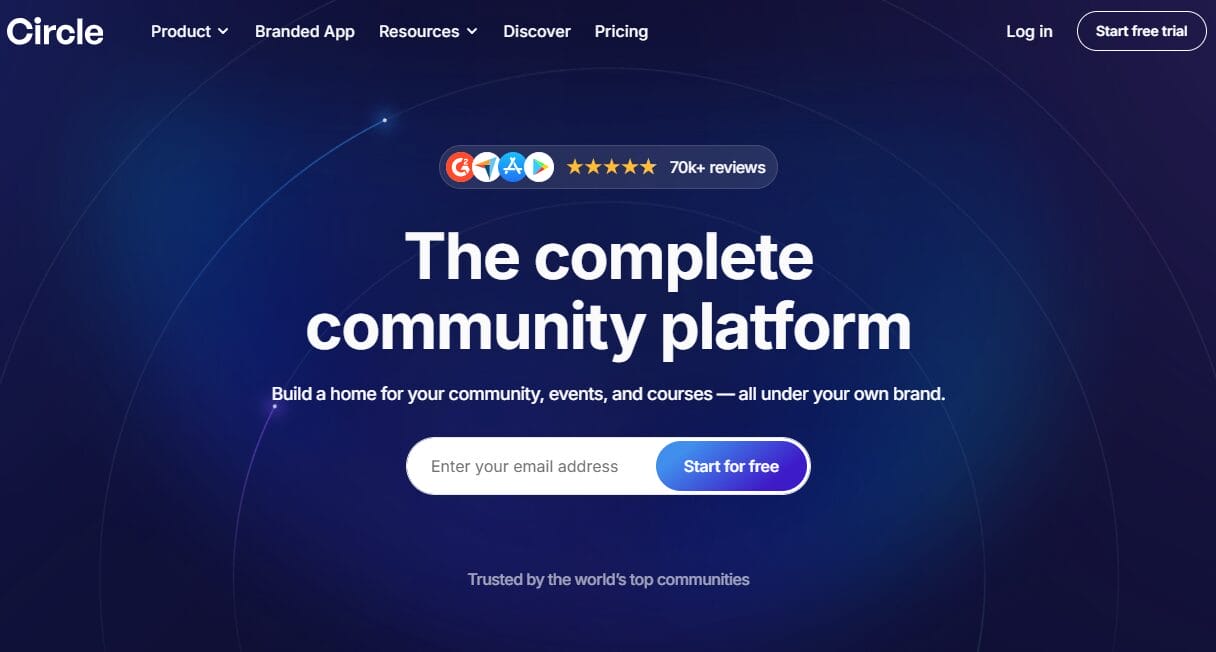
Circle is a modern membership management software built for creators and businesses that want to focus on community first. Instead of treating memberships as just payments and access, Circle puts interaction at the center of the experience.
One of the things that makes Circle appealing is its flexibility. You can create paid memberships, host live events, run courses, and manage discussions all in one place. It also gives you control over how your community looks and feels, which is important if you want your platform to reflect your brand rather than look like a generic template.
Features of Circle
- Unlimited members, courses, discussions, and events
- Built-in community discussions and member interaction
- Paid memberships with branded checkout
- Live streaming and event hosting
- Website builder for community pages
- Member directory and gamification features
- AI-powered workflows and automation
- Mobile apps for iOS and Android
Price
Circle pricing starts at $89 per month for the Professional plan and $199 per month for the Business plan. Higher-tier options are available with custom pricing. A 14-day free trial is offered.
Pros
- Branding and customization options
- Combines community, courses, and memberships in one platform
- Supports live events and interactive features
- Includes a built-in website builder
Cons
- Setup can take time for new users
- Mobile apps are only available on higher plans
- Email features are still developing compared to dedicated platforms
Best For
Circle is best for creators, educators, and businesses that want a community-focused membership management system with courses, events, and paid memberships all in one place.
11. Mighty Networks
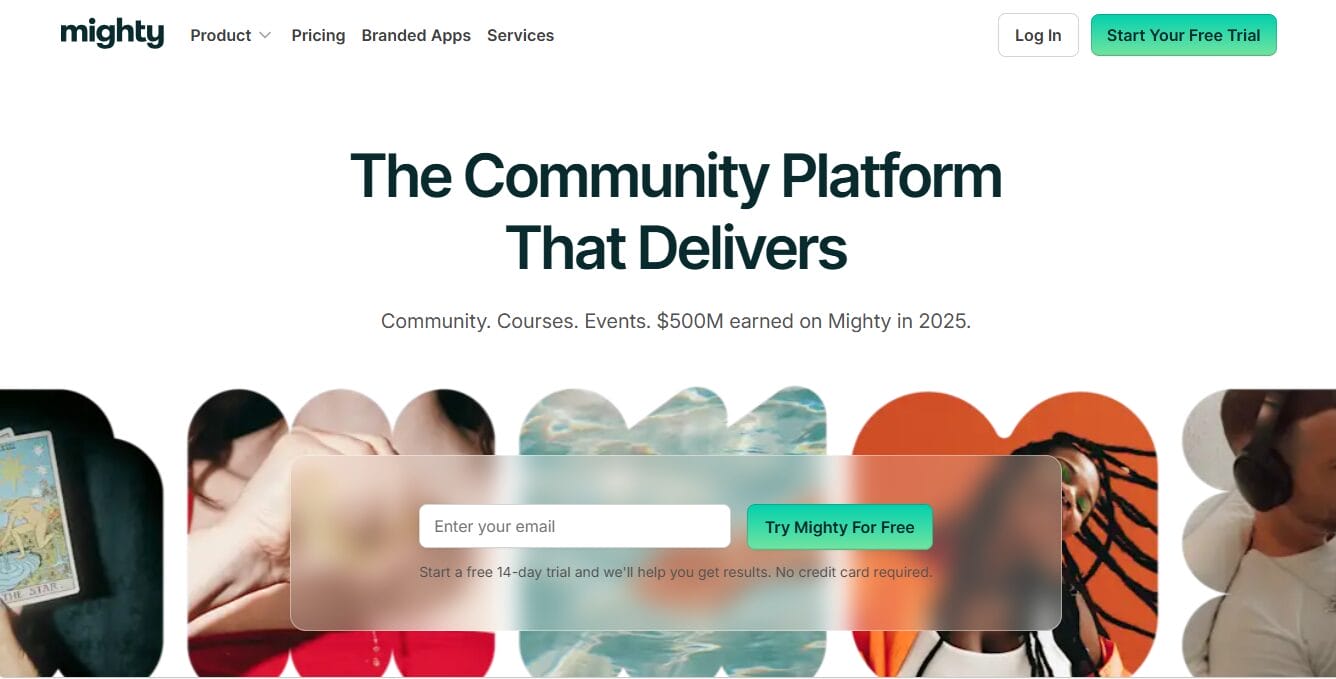
Mighty Networks is another popular membership management software built for creators, coaches, and online communities that want to bring people together in one place.
Instead of focusing only on payments or content access, it centers on community interaction. You can create spaces where members connect, join discussions, attend events, and take courses, all within a single platform that feels like a social network built around your brand.
What makes Mighty Networks different is its focus on mobile experience and engagement. It offers native mobile apps, which means members can interact with your community in a way that feels natural and familiar. This often leads to higher activity compared to web-only platforms.
It also includes features such as livestreaming, events, and course hosting, making it a flexible membership platform for anyone building a community-based business.
Another interesting part of the platform is its use of AI to support community growth. The AI Cohost helps with onboarding new members and keeping existing ones engaged over time.
Features of Mighty Networks
- Branded community spaces with discussion forums
- Course hosting with drip content
- Events and livestreaming
- Native mobile apps for iOS and Android
- Paid memberships and subscriptions
- AI Cohost for onboarding and engagement
- Member activity tracking and engagement insights
Price
Mighty Networks pricing starts at about $79 per month (billed annually) for the Launch plan. Higher plans, such as Scale and Mighty Pro, offer more advanced features. A 14-day free trial is available with no credit card required.
Pros
- Native mobile apps improve member engagement
- Focus on community interaction and connection
- Includes courses, events, and memberships in one platform
- AI support for onboarding and engagement
Cons
- Not ideal for traditional membership websites
- Limited CRM and billing flexibility
- Less suitable for businesses needing advanced content restriction
Best For
Mighty Networks is best for creators, coaches, and online communities that want a community-focused membership software program.
12. Skool
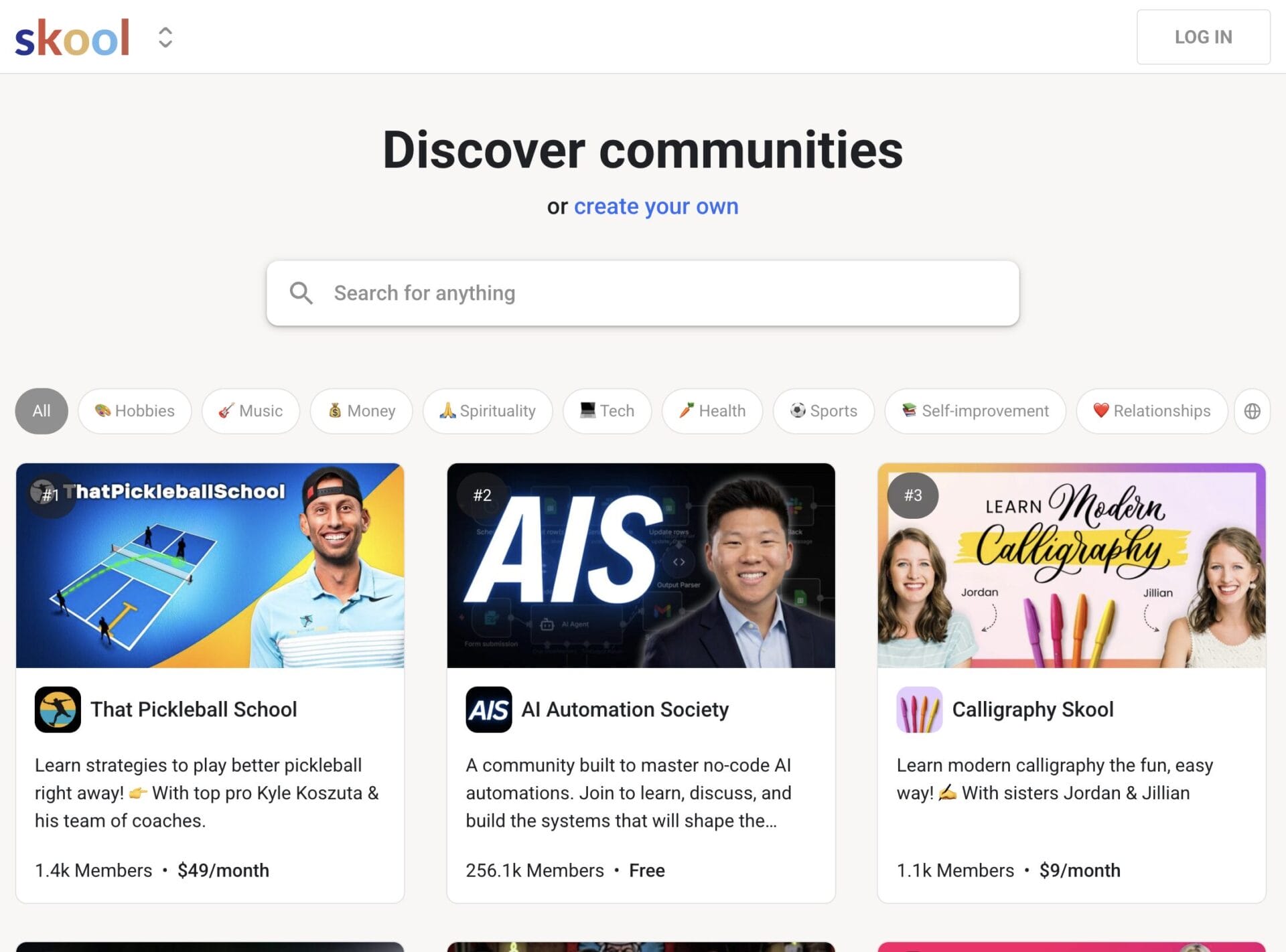
Skool is designed for creators who want to build a community easily. This membership management software focuses on what actually keeps members active, such as discussions, courses, and gamification. If platforms like Circle or Mighty Networks feel too much, Skool offers a cleaner, more minimal approach that is easy to get started with.
With Skool, you can create a community, add courses, and start engaging members. The platform includes features like leaderboards and levels, which encourage participation and make the experience more interactive.
Features of Skool
- Unlimited members and courses
- Community discussions with gamification (leaderboards and levels)
- Unlimited live streaming
- Built-in analytics for tracking engagement
- Clean and distraction-free interface
Price
Skool offers a Hobby plan starting at $9 per month with a 10% transaction fee. The Pro plan costs $99 per month with a lower transaction fee of 2.9%. A 14-day free trial is available.
Pros
- Very easy to set up and use
- Low starting price
- Focus on community engagement
- Clean and simple user experience
Cons
- Limited customization and branding options
- Basic course features compared to other platforms
- No built-in CRM, email marketing, or support system
Best For
Skool is best for new creators, small communities, and anyone looking for a simple membership software program.
13. JoinIt
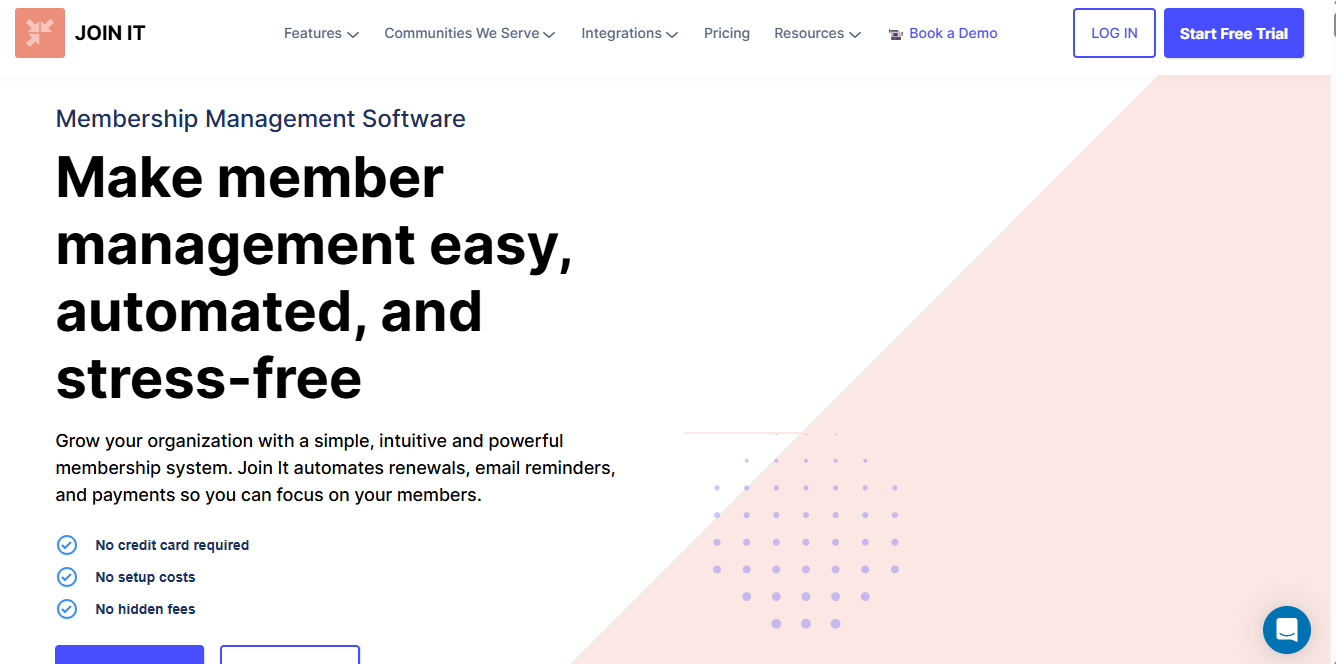
JoinIt is a membership management platform designed for clubs, associations, and community groups seeking an easy way to handle members without the hassle of complex systems.
It includes features such as member tracking, dues collection, and renewals, making it a good fit for organizations that do not need advanced features. If you are running a local group or small association, JoinIt keeps things easy to manage while still covering the basics.
It also integrates with other platforms such as WordPress, Zoom, and Slack. While it may not offer the depth of larger membership management systems, it delivers exactly what many small to mid-sized organizations need.
Features of JoinIt
- Unlimited membership types with recurring billing
- Digital membership cards (Apple Wallet and Google Wallet)
- Member directory and event check-in
- Email campaigns and automated messages
- Embeddable signup and payment widget for websites
- Integrations with WordPress, Zoom, Zoho CRM, and Slack
Price
JoinIt pricing starts at $26.10 per month with a 3% service fee. Higher plans include $89.10 per month with a 2% fee and $199 per month with a 1.5% fee. Nonprofits can get a 10% discount.
Pros
- Easy to use for small and mid-sized organizations
- Includes digital membership cards
- Affordable pricing with useful integrations
- Offers discounts for nonprofits
Cons
- Service fees are added on top of payment processing fees
- Some branding options are limited on lower plans
- Fewer advanced features compared to larger platforms
Best For
JoinIt is best for clubs, associations, alumni groups, and community organizations looking for a reliable membership management system to manage members, payments, and renewals.
Conclusion
Finding the right membership management software is less about chasing features and more about choosing a platform that fits how you actually run your business or community.
Throughout this guide, we have looked at a wide range of platforms, from WordPress solutions like ProfilePress and Ultimate Member to community-focused platforms like Circle and Mighty Networks, and creator-driven options like Patreon.
Each one serves a different purpose, which is why there is no single best option for everyone. The right choice depends on your needs, your budget, and how you want your members to interact with your platform.
Here’s my advice: If you are using WordPress and want full ownership of your membership site, payments, and content access, then ProfilePress is the best choice. It brings membership management, recurring payments, user profiles, content restriction, and member directories into one system without forcing you into a closed platform. That means you stay in control of your site, your members, and your revenue.