
Do you want to know the best email marketing and CRM platforms for your business?
Every service claims to offer the best solution. Many comparison websites appear to recommend platforms based on affiliate partnerships rather than actual performance. Even pricing pages can look simple at first until you discover additional costs for contacts, automation, integrations, or reporting features.
So I tested these email marketing and CRM platforms myself. No shortcuts. No sponsored favorites. Just an honest review based on pricing, features, usability, and overall value.
In this guide, I break down each CRM and email marketing software and cover its features, advantages, drawbacks, and pricing. No fluff. No bias.
Why Email Marketing and CRM Platforms Matter
Email marketing and CRM platforms help businesses organize customer information, maintain communication, and improve sales performance. Below are the main reasons they matter.
1. Keep Customer Information in One Place: A CRM platform stores contact details, purchase history, previous conversations, interests, and sales activity in one system. This gives marketing, sales, and customer service teams access to the same information. It also reduces the risk of losing customer details across spreadsheets, notebooks, and individual email accounts.
2. Improve Customer Communication: Customers expect businesses to send messages that match their interests and needs. Email marketing platforms help companies create targeted campaigns instead of sending the same message to everyone. For example, a new subscriber may receive a welcome email. An existing customer may receive a renewal reminder, product update, or special offer.
3. Save Time Through Automation: Marketing automation allows businesses to send emails after a customer takes a particular action. An email marketing platform can automatically send messages when someone joins a mailing list, downloads a guide, abandons an online shopping cart, completes a purchase, or books an appointment. This reduces repetitive work and ensures customers receive messages at the right stage of their journey.
4. Help Businesses Understand Their Audience: Email marketing and CRM platforms collect useful information about customer behavior. Businesses can see which emails customers open, which links they click, what products they purchase, and how often they interact with campaigns. These insights help companies understand customer interests and adjust future communication accordingly.
5. Better Audience Segmentation: Not every customer has the same needs. Therefore, businesses should not treat every contact in the same way. These platforms allow companies to group contacts by location, age, purchase history, interests, engagement level, or sales stage. Better segmentation makes campaigns more relevant. As a result, recipients are more likely to read the message and take action.
6. Improve Lead Management and Follow-Ups: A CRM platform helps sales teams track potential customers from their first interaction to the final purchase. Team members can see when a lead entered the system, which emails they received, and whether they requested additional information. This makes it easier to follow up without repeating previous conversations.
7. Provide Useful Performance Reports: Email marketing platforms provide reports on campaign performance. These reports may include delivery rates, open rates, clicks, unsubscribes, conversions, and revenue. CRM reports can also show sales activity, deal progress, customer retention, and team performance. Businesses can use these results to identify successful campaigns and improve weaker areas.
8. Help Increase Customer Retention: Email and CRM platforms help businesses maintain relationships after a sale. Companies can send useful updates, loyalty offers, renewal reminders, birthday messages, and product recommendations. Regular communication keeps the brand familiar and encourages customers to return.
9. Improve Team Collaboration: Sales, marketing, and customer service teams often interact with the same customers. However, poor communication between departments can create confusion. A shared platform allows team members to review customer activity and previous conversations. This helps them provide consistent information and avoid unnecessary repetition.
10. Support Business Growth: As a company gains more customers, managing every contact manually becomes difficult. Email marketing and CRM platforms enable businesses to manage larger contact lists, run more campaigns, and manage longer sales pipelines without losing important information. With that in mind, let’s look at the 12 best email marketing and CRM platforms available today.
1. HubSpot
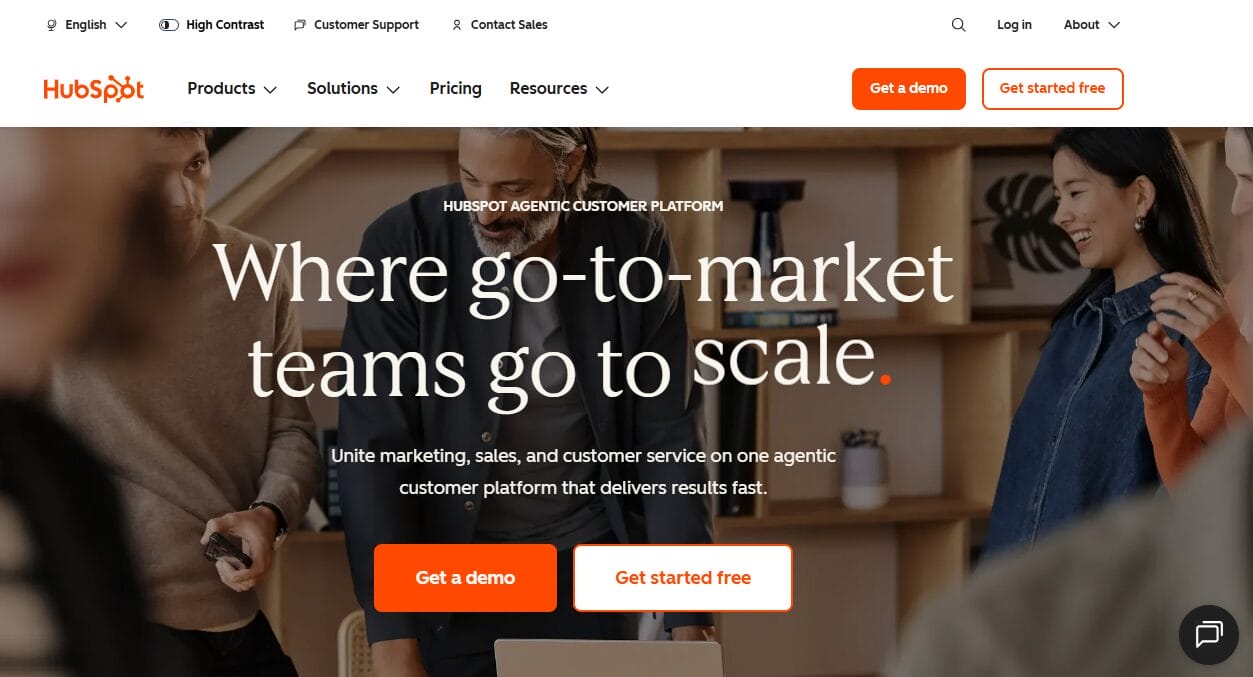
HubSpot is one of the best email marketing and CRM platforms for businesses that want an all-in-one solution without paying upfront. It offers a free plan that includes basic CRM and email marketing features for up to two users. No credit card required. That alone makes it attractive for freelancers, startups, and small teams who want to test the waters before committing money.
The platform connects marketing, sales, and service data in one place. Every contact record shows you email engagement, website visits, form submissions, and past conversations. You can send broadcast emails, set up simple automation, and track opens and clicks without leaving the dashboard.
The interface feels clean and organized, which helps new users get comfortable quickly. HubSpot also offers a massive library of free training content, so you never feel left alone trying to figure things out.
But here is the honest side. The free plan has limits. You can only store a certain number of contacts. Advanced automation features require paid upgrades. And once you start adding features, the price climbs faster than you expect.
Features of HubSpot
Email campaign builder: HubSpot provides a drag-and-drop editor with templates for newsletters, promotions, events, product announcements, birthdays, and re-engagement campaigns. Users can create branded emails without writing HTML.
Contact management: Every subscriber can have a detailed CRM record containing personal information, company data, email activity, sales interactions, and lifecycle status. This gives marketing and sales teams a shared view of each relationship.
Email personalization: Campaigns can display content based on a recipient’s name, company, lifecycle stage, list membership, or other CRM information. Follow-up actions can also respond to opens, clicks, bounces, and other engagement signals.
Marketing automation: HubSpot supports automated email sequences, lead nurturing, audience branches, lead scoring, and action-based workflows.
Forms and landing pages: Businesses can create forms and landing pages that send new leads directly into the CRM. This connection reduces manual data entry and allows automated campaigns to begin immediately.
Audience segmentation: Contacts can be grouped by demographics, CRM properties, previous actions, campaign engagement, or sales status. This makes it easier to send relevant emails to defined customer groups.
Campaign analytics: HubSpot reports email opens, clicks, bounces, conversions, and contact engagement. Premium plans add A/B testing, custom reports, campaign analytics, and revenue attribution.
AI assistance: HubSpot includes AI features for producing subject lines, drafting email copy, adjusting tone, and reviewing campaign performance.
Pros
- The free plan supports up to two users and does not require a credit card.
- Email marketing connects directly with HubSpot’s CRM.
- The drag-and-drop editor works well for users without design experience.
- Contact records provide useful context for marketing and sales teams.
- Automation can respond to customer behavior and lifecycle changes.
- The platform supports forms, landing pages, live chat, reporting, and lead management.
- Premium plans provide detailed segmentation, testing, attribution, and customer journey features.
Cons
- Paid plans are expensive for small businesses.
- Advanced workflows and reporting are unavailable on cheaper plans.
- New users may need time to understand the platform.
- Some AI functions require credits, which can incur additional usage costs.
How Much Does HubSpot Cost?
HubSpot offers a free plan for up to two users. It includes foundational CRM and marketing features, making it suitable for freelancers, startups, and very small teams testing email campaigns. No credit card is required.
Once you’re ready to upgrade, paid plans start at $7 per seat per month, billed annually.
2. ActiveCampaign
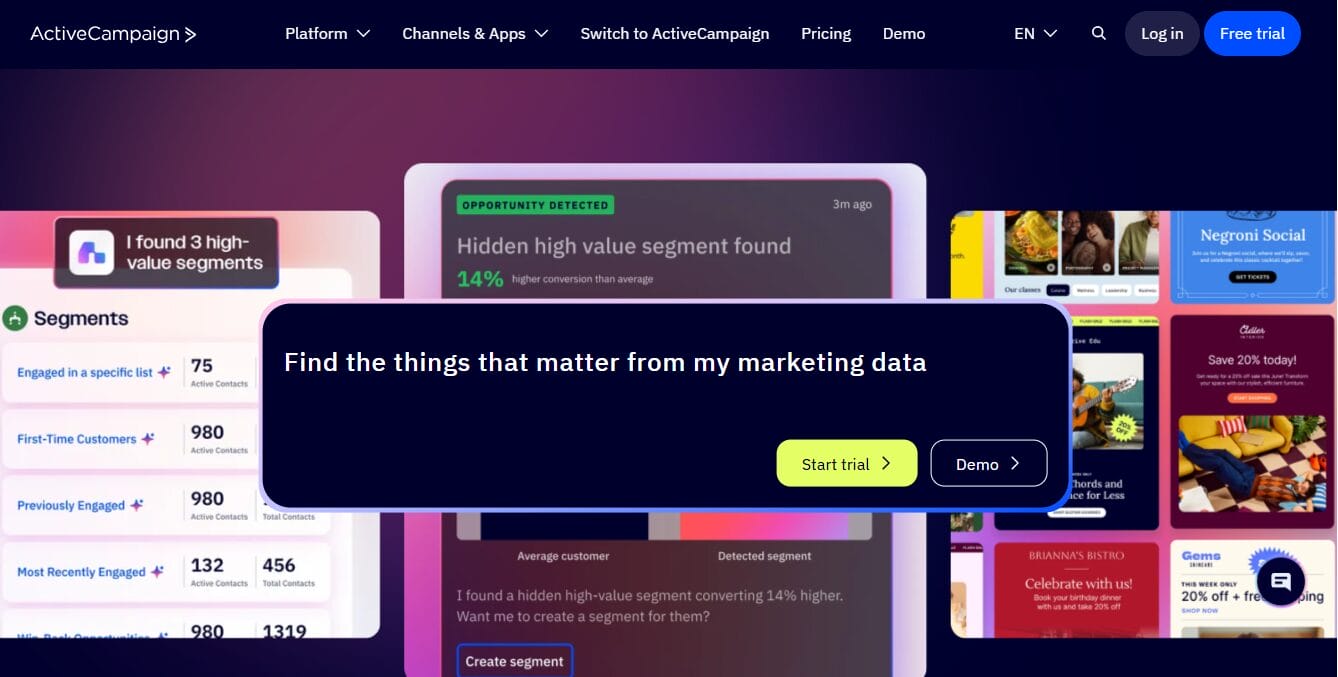
ActiveCampaign is a powerful choice for businesses that need advanced automation workflows combined with built-in sales CRM capabilities. It brings email campaigns, audience segmentation, website tracking, customer data management, and automated customer journeys together in a single platform.
With it, you can map out detailed journeys triggered by email opens, website visits, purchases, form submissions, specific dates, tags, or almost any customer attribute you can think of.
ActiveCampaign also connects marketing activity with sales data, giving teams a clearer view of each contact’s journey. Contact profiles can display campaign engagement, website behavior, purchases, notes, tags, and previous conversations. Businesses that need additional sales features can upgrade to packages that include deal pipelines, lead scoring, task management, sales assignment, and individual sales emails.
Features of ActiveCampaign
Visual marketing automation: ActiveCampaign allows users to build multi-stage workflows with triggers, conditions, waiting periods, goals, actions, and branching paths. Plus, Pro, and Enterprise plans support unlimited automation actions. The Starter plan limits each automation to five actions.
Email campaign builder: The drag-and-drop designer supports newsletters, promotional campaigns, automated emails, plain-text messages, and HTML designs. Users also receive more than 250 templates for different campaign types.
Advanced audience segmentation: Contacts can be grouped using tags, custom fields, purchase activity, website behavior, campaign engagement, interests, and location.
AI campaign creation: ActiveCampaign AI can help users create campaigns, generate content, produce images, suggest audience segments, and build automation journeys. Predictive sending can also choose delivery times based on expected engagement.
Campaign testing: ActiveCampaign supports A/B testing for email. This helps businesses compare subject lines, messages, offers, and workflow paths.
Cross-channel communication: ActiveCampaign can coordinate email, SMS, WhatsApp, website, advertising, and web push campaigns.
Reporting and attribution: Users can monitor opens, clicks, website activity, campaign results, conversions, automation performance, and revenue. Pro adds advanced reporting, attribution, and conversion tracking. Enterprise includes custom reporting.
FuseWP integration: This allows you to connect ActiveCampaign with WordPress users, forms, WooCommerce, membership plugins, and LMS platforms.
Pros
- Its visual automation builder supports detailed customer journeys.
- Email campaigns connect directly with behavioral and contact data.
- The platform supports more than 1,000 integrations.
- Email A/B testing is available across all plans.
- Website tracking helps identify customer interests.
- AI features assist with content, campaigns, images, and audience selection.
- It has a 14-day free trial
Cons
- ActiveCampaign does not offer a permanent free plan.
- New users may find the automation builder difficult initially.
- The Starter plan permits only five actions within each automation.
- Prices increase as the contact database grows.
- Advanced reports are unavailable on lower plans.
How Much Does ActiveCampaign Cost?
ActiveCampaign uses contact-based pricing. Therefore, the final cost depends on the selected plan and the number of stored contacts.
3. Brevo
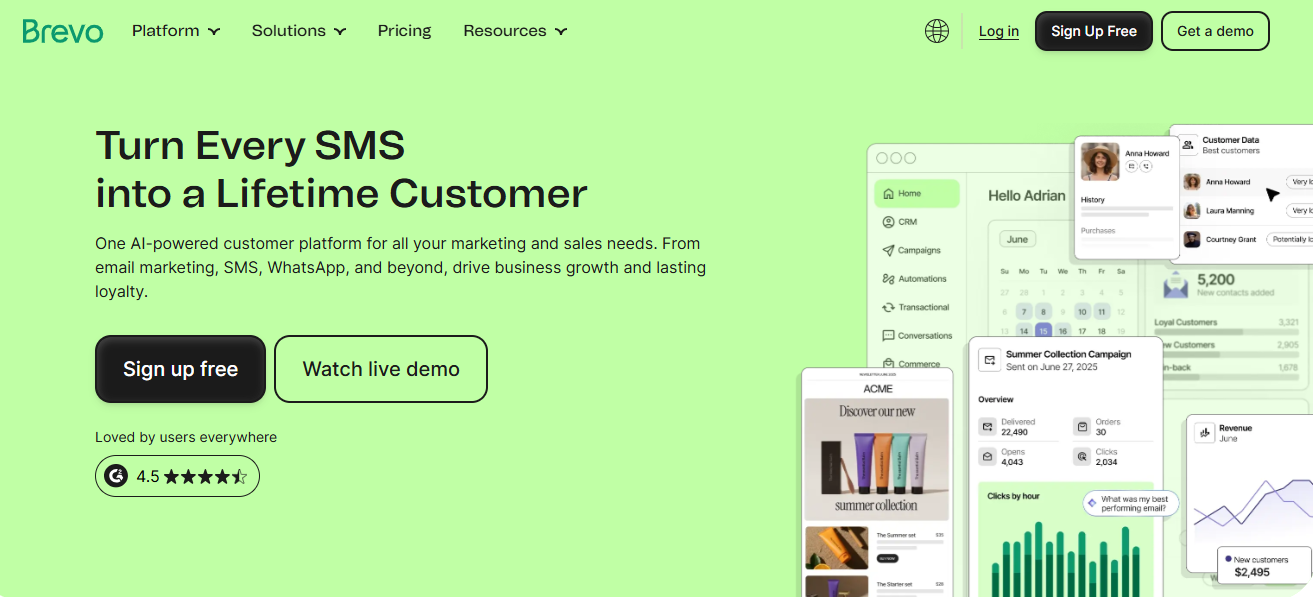
Brevo is one of the best email marketing and CRM platforms that helps businesses manage customer communication, automate marketing campaigns, and grow their audience from a single dashboard. Formerly known as Sendinblue, the platform combines email marketing, SMS campaigns, transactional emails, customer relationship management, and sales management into a unified solution suitable for businesses of all sizes.
It includes an automation builder that allows users to create workflows based on customer actions and behavior. Businesses can automatically send welcome emails, abandoned cart reminders, follow-up messages, and personalized campaigns without manual intervention.
Brevo also provides audience segmentation, A/B testing, real-time analytics, and reporting features to help marketers improve campaign performance and engagement rates.
Features of Brevo
- Drag-and-drop email editor for creating newsletters, promotions, announcements, and automated campaigns.
- Marketing automation with workflows based on customer behavior, email engagement, purchases, website activity, and custom events.
- Built-in CRM for managing contacts, sales opportunities, notes, and customer interactions.
- Email personalization using contact information, custom fields, and behavioral data.
- SMS marketing for promotions, alerts, appointment reminders, and customer notifications.
- WhatsApp marketing for personalized customer communication and campaign messaging.
- Transactional email service for order confirmations, invoices, password resets, shipping notifications, and account alerts.
- Landing page builder for collecting leads and promoting products or services.
- Subscription forms for growing email lists from websites and landing pages.
- Audience segmentation based on demographics, behavior, purchases, tags, and engagement.
- A/B testing for subject lines and email content.
- Email scheduling to send campaigns at the most appropriate time.
- Real-time campaign analytics showing opens, clicks, conversions, bounces, and unsubscribe rates.
- Live chat for communicating directly with website visitors.
- Web push notifications to re-engage website visitors.
- Facebook Ads integration for audience synchronization and campaign management.
- API and SMTP services for developers sending transactional emails.
- Integrations with Shopify, WooCommerce, WordPress, Salesforce, Zapier, and hundreds of other business applications.
Pros
- Affordable pricing compared to many competing platforms.
- Free plan available for businesses getting started.
- Built-in CRM eliminates the need for a separate contact management system.
- Excellent marketing automation for growing businesses.
- Supports email, SMS, WhatsApp, live chat, and transactional messaging.
- User-friendly interface with a short learning curve.
- Good audience segmentation and personalization capabilities.
- Extensive third-party integrations.
- Suitable for both small businesses and growing organizations.
Cons
- Daily email sending limits apply on the free plan.
- Landing page functionality is limited on lower plans.
- Advanced customer journey capabilities are not as extensive as ActiveCampaign.
- Phone support is unavailable on lower plans.
How Much Does Brevo Cost?
Brevo offers a generous free plan compared to many email marketing platforms. The free plan allows businesses to store unlimited contacts and send up to 300 emails per day.
Users also get access to the CRM, email editor, email templates, marketing automation with limited workflows, transactional emails, and signup forms. This makes it a good choice for startups, bloggers, and small businesses that want to explore email marketing without an upfront investment.
Paid plans start at $8.08 per month and include higher sending limits along with access to additional features and capabilities for growing businesses.
4. Mailchimp
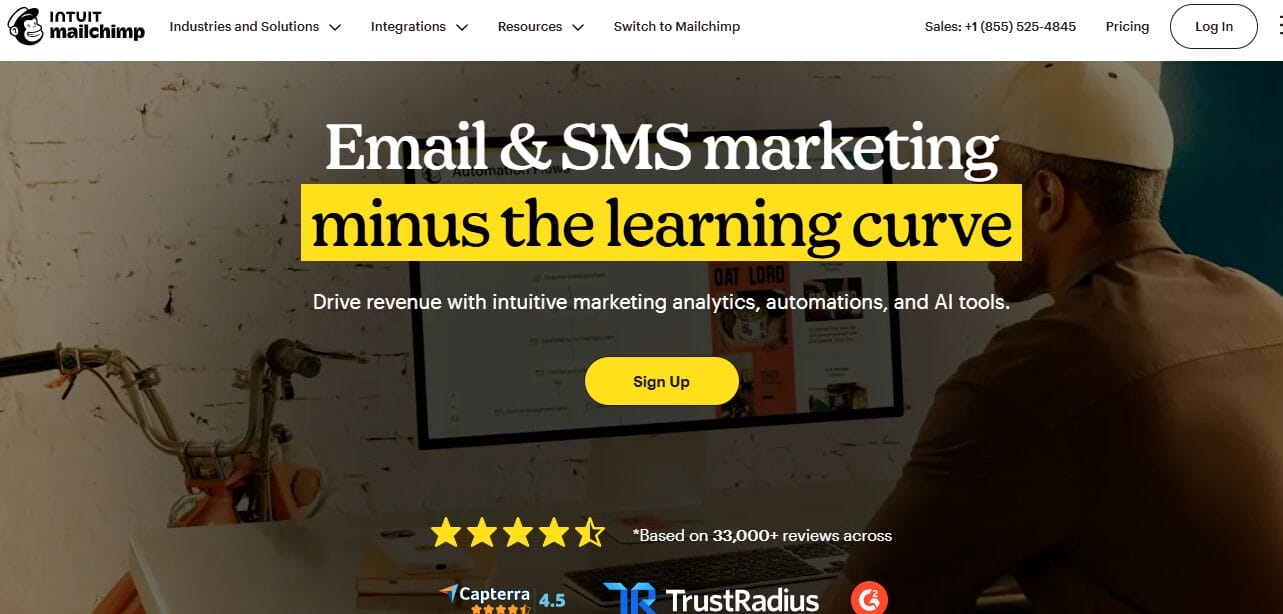
Mailchimp has remained a recognized name in email marketing for many years, and it continues to be an excellent choice for businesses looking for an easy way to create, automate, and manage email campaigns.
Although it started primarily as an email marketing platform, Mailchimp has expanded its capabilities to include marketing automation, customer relationship management (CRM), landing pages, digital advertising, and ecommerce integrations. Its user-friendly interface makes it particularly attractive to beginners, while its growing list of advanced features allows businesses to scale their marketing efforts as they grow.
One of Mailchimp’s greatest strengths is its ease of use. The drag-and-drop email builder allows users to create professional newsletters, promotional emails, announcements, and automated campaigns without any coding knowledge.
Businesses can choose from hundreds of professionally designed templates, personalize messages using customer information, and schedule campaigns within minutes.
The platform also provides AI-powered content suggestions, subject line recommendations, and product recommendations that help marketers improve engagement and save time during campaign creation.
Mailchimp also performs well in automation and audience management. Businesses can create customer journeys based on subscriber behavior, purchase history, email engagement, website activity, and other customer actions.
Ecommerce businesses benefit from abandoned cart emails, product recommendations, order notifications, and customer segmentation, while service businesses can automate welcome emails, appointment reminders, follow-up campaigns, and re-engagement sequences. Although its CRM capabilities are not as extensive as HubSpot or Salesforce, Mailchimp provides enough contact management features for many small and medium-sized businesses.
Features of Mailchimp
- Drag-and-drop email builder for newsletters, promotional emails, announcements, and automated campaigns.
- Professionally designed email templates that can be customized without coding.
- Customer Journey Builder for creating automated marketing workflows.
- Audience segmentation based on demographics, engagement, purchases, interests, and custom tags.
- Email personalization using merge tags and customer information.
- Behavioral targeting using customer actions and campaign engagement.
- Landing page builder for lead generation and product promotions.
- Signup forms and pop-ups for growing subscriber lists.
- Marketing CRM for storing contact information, engagement history, and audience insights.
- A/B testing for subject lines, content, and send times.
- AI-powered content suggestions and subject line recommendations.
- Predictive segmentation for identifying customers likely to purchase again.
- Product recommendations for ecommerce businesses.
- Abandoned cart automation for online stores.
- Transactional email support through Mailchimp Transactional
- Social media and digital advertising tools for Facebook, Instagram, and Google campaigns.
- Campaign analytics including open rates, click rates, conversions, and revenue reporting.
- Hundreds of integrations with Shopify, WooCommerce, WordPress, Stripe, Salesforce, Canva, and many other business applications.
Pros
- Very easy for beginners to learn and use.
- Excellent drag-and-drop email builder.
- Large collection of professionally designed email templates.
- Free plan available for new businesses.
- Powerful Customer Journey Builder for marketing automation.
- Built-in landing pages and signup forms.
- Good ecommerce automation for online stores.
- AI-assisted campaign creation and optimization.
- Extensive third-party integrations.
- Reliable email deliverability.
Cons
- Pricing increases significantly as subscriber lists grow.
- Free plan includes limited automation features.
- Advanced reporting requires premium subscriptions.
How Much Does Mailchimp Cost?
Mailchimp offers a free plan that allows businesses to manage up to 250 contacts and send up to 500 emails per month, subject to daily sending limits. The free plan includes access to the email builder, basic templates, signup forms, limited CRM features, and single-step automation.
Paid plans start at $6.50 per month, with higher tiers offering additional sending capacity, advanced automation, audience segmentation, and reporting features.
5. Salesforce
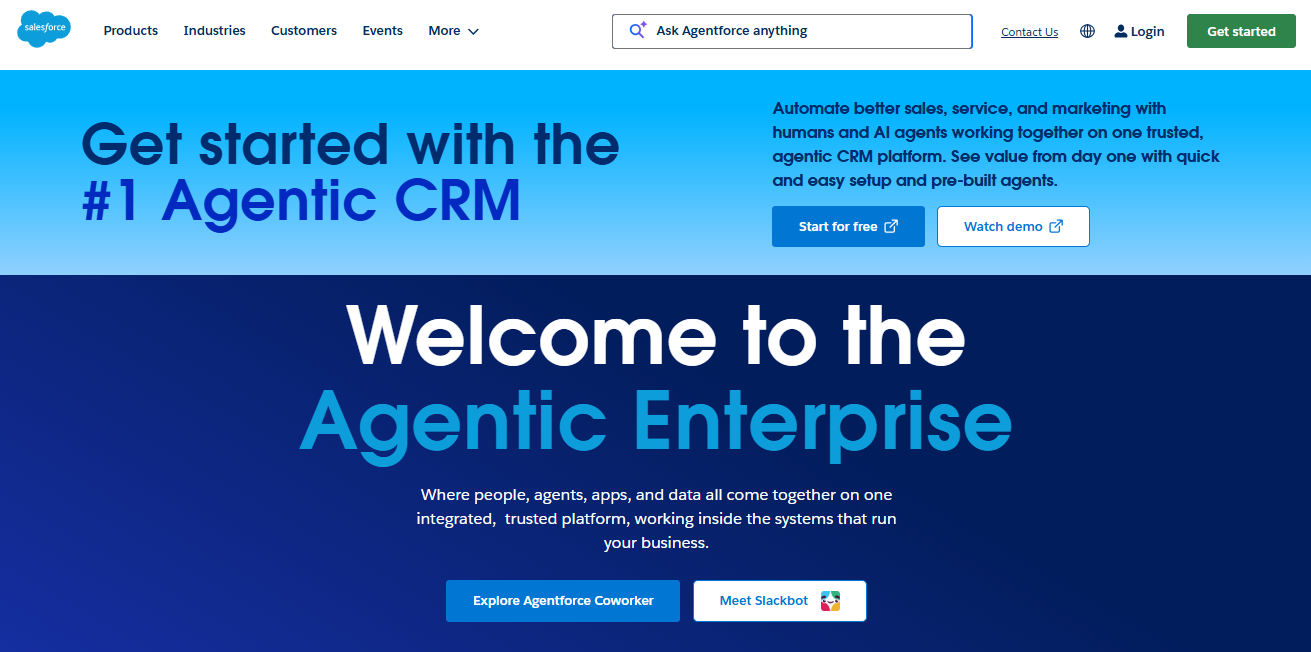
Salesforce has spent years building a reputation as a platform for businesses managing large customer databases, lengthy sales cycles, and multiple customer touchpoints. While many platforms began as email marketing services before adding CRM functionality, Salesforce took the opposite route by expanding from customer relationship management into marketing automation and customer engagement.
What immediately becomes clear after using Salesforce is the amount of information available about every customer interaction. Emails, sales conversations, purchases, support requests, and website activity can all be connected to a single customer profile. This gives marketing and sales teams a much clearer picture of where prospects are in the buying journey and what actions should come next.
Another area where Salesforce excels is automation. Businesses can create customer journeys that respond to behavior, purchase activity, engagement levels, and changes in lead status. Whether the goal is nurturing new leads, re-engaging inactive customers, or moving prospects through a sales funnel, Salesforce offers impressive flexibility.
That flexibility, however, comes with a learning curve. Salesforce is not designed primarily for small businesses looking to send newsletters or create a few automated campaigns. It is better suited to larger organizations, fast-growing companies, and businesses that require detailed reporting, advanced workflows, and extensive customization options.
Features of Salesforce
- Advanced CRM with customer and contact management
- Email marketing and marketing automation
- Visual customer journey builder
- Lead management and lead scoring
- Sales pipeline and opportunity tracking
- AI-powered insights and recommendations
- Detailed analytics and reporting
- Multi-channel campaigns including email, SMS, and advertising
- Workflow automation for sales and marketing teams
- Hundreds of third-party integrations
Pros
- Excellent CRM capabilities for growing businesses and enterprises.
- Powerful automation options for complex customer journeys.
- Detailed reporting and analytics.
- Supports sales, marketing, and customer service within the same ecosystem.
Cons
- Pricing can become expensive as features and users increase.
- Setup and administration can require technical expertise.
- Smaller businesses may find the platform overwhelming.
How Much Does Salesforce Cost?
Salesforce does not offer a free plan, although new users can explore the platform through a free trial. Pricing varies depending on the Salesforce products you choose, the number of users, and the features you need.
Paid plans begin at $25 per user per month, with pricing increasing based on the selected products and functionality.
6. Klaviyo
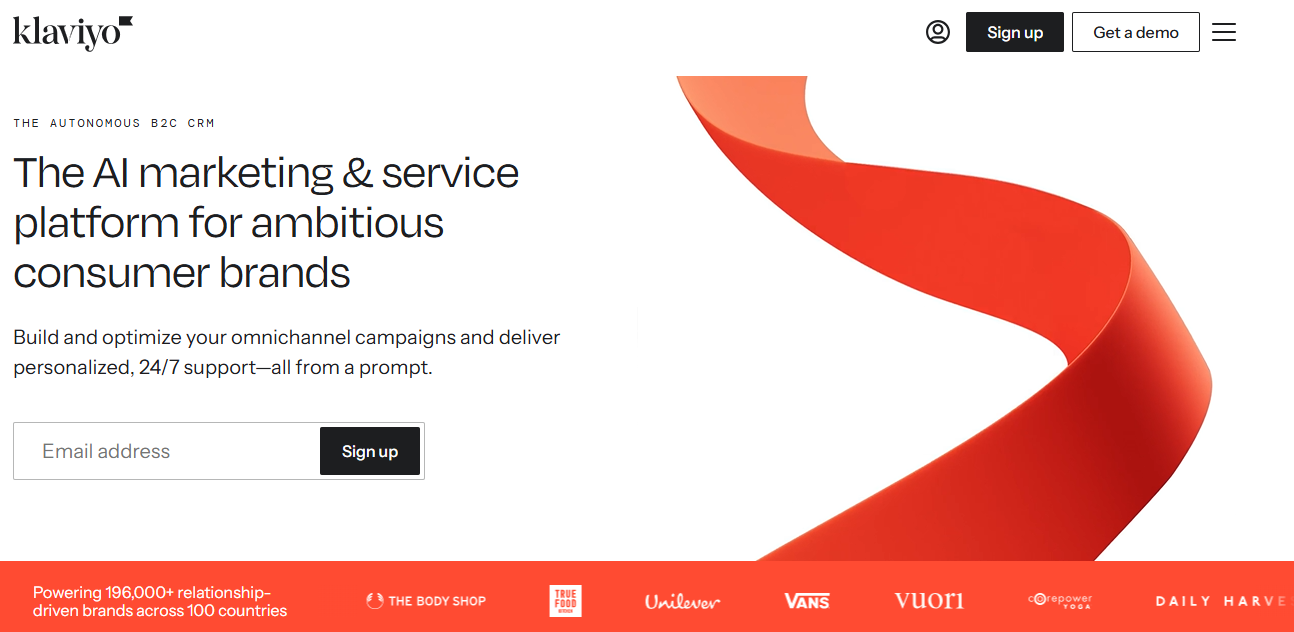
Klaviyo is an excellent email marketing and customer relationship management platform designed primarily for ecommerce businesses that want to build better connections with their customers and increase revenue through data-driven marketing campaigns. It combines email marketing, SMS marketing, customer data management, and automation features within a single platform, making it particularly popular among online stores and direct-to-consumer brands.
A major advantage of Klaviyo is its advanced automation capabilities. Businesses can create automated workflows based on customer actions such as product views, cart abandonment, purchases, and repeat visits. This allows brands to send timely messages that feel relevant to each customer’s journey, leading to higher engagement and conversion rates.
Klaviyo also provides detailed customer insights and segmentation features that help businesses understand buying behavior and campaign performance. Its integrations with platforms such as Shopify, WooCommerce, BigCommerce, and Magento make it easier for ecommerce businesses to sync customer data and launch targeted campaigns.
Features of Klaviyo
- Advanced email marketing for newsletters, promotional campaigns, and lifecycle emails.
- Visual automation builder for creating customer journeys based on behavior and events.
- SMS marketing for promotional campaigns, order updates, and customer engagement.
- Customer profiles that combine purchase history, browsing activity, engagement, and behavioral data.
- Real-time audience segmentation using demographics, purchase behavior, browsing history, predicted value, and engagement.
- Predictive analytics for customer lifetime value, next purchase date, churn risk, and expected spending.
- Abandoned cart automation to recover lost sales automatically.
- Browse abandonment campaigns that remind visitors about products they viewed.
- Post-purchase automation for product recommendations, reviews, cross-selling, and customer retention.
- Product recommendation engine powered by customer shopping behavior.
- A/B testing for subject lines, email content, send times, and campaign strategies.
- Email personalization using dynamic content, customer attributes, and shopping history.
- Signup forms and popups for collecting new subscribers.
- Campaign reporting with revenue attribution, conversion tracking, engagement metrics, and customer insights.
- Custom dashboards for monitoring business performance.
- API and developer tools for custom integrations.
- Integrations with Shopify, WooCommerce, BigCommerce, Magento, Wix, Salesforce, Stripe, and hundreds of other business applications.
Pros
- Built specifically for ecommerce businesses.
- Excellent customer segmentation based on real shopping behavior.
- Powerful visual automation builder.
- Advanced predictive analytics for customer lifetime value and future purchases.
- Outstanding abandoned cart and post-purchase automation.
- Combines email and SMS marketing in one platform.
- Large ecosystem of ecommerce integrations.
Cons
- Primarily designed for ecommerce businesses rather than general CRM users.
- Monthly pricing increases as contact lists grow.
- SMS credits are billed separately.
- Advanced features may feel overwhelming for beginners.
How Much Does Klaviyo Cost?
Klaviyo offers a Free plan that supports up to 250 active profiles and includes 500 monthly email sends along with 150 monthly SMS or MMS credits.
The free plan gives users access to email campaigns, automation, signup forms, customer profiles, segmentation, and reporting features, making it a good fit for new ecommerce businesses getting started with email and SMS marketing.
Paid plans start at $20 per month, with pricing increasing as your contact count and messaging volume grow.
7. Zoho CRM
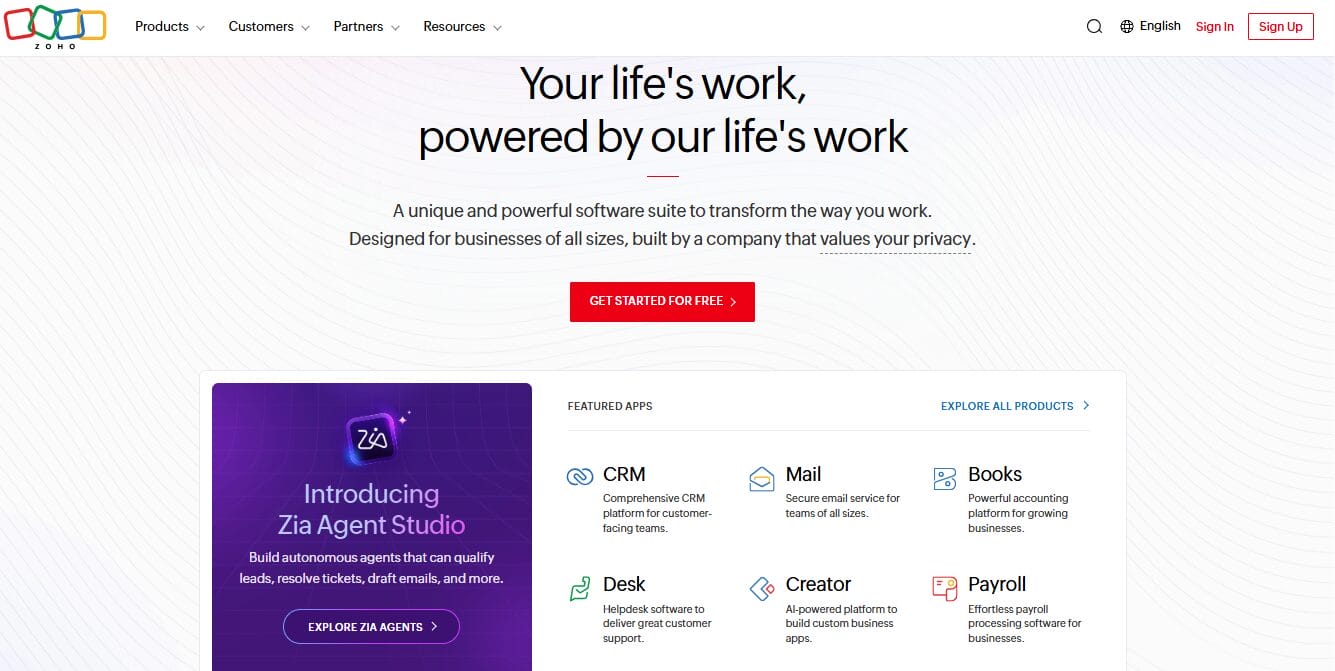
Zoho CRM is one of the best CRM and email marketing platforms for businesses that want affordability without sacrificing functionality. It offers a free plan for up to three users, which is rare among competitors. That alone makes it appealing for startups and small teams watching their budget closely. The platform includes lead management, contact tracking, email integration, and basic automation right out of the box.
With Zoho, you can add custom fields, modify modules, and design workflows that match your specific sales process. The email marketing features let you send campaigns, track opens and clicks, and set up automated follow-ups based on lead behavior.
Zoho also includes a built-in AI assistant called Zia that can predict deal closures, suggest optimal send times, and even help draft email responses. For a platform at this price point, that level of intelligence feels like a bonus.
Features of Zoho CRM
- Contact and lead management.
- Sales pipeline management with custom deal stages.
- Email integration with Zoho Campaigns.
- Workflow automation for sales and marketing activities.
- Lead assignment and routing.
- Sales forecasting and performance tracking.
- Contact history with emails, notes, calls, and meetings.
- Customer segmentation using custom fields and filters.
- AI assistant (Zia) for predictions, suggestions, and sales insights.
- Custom dashboards and reports.
- Web forms for collecting new leads.
- Task, calendar, and appointment management.
- Blueprint process automation for sales workflows.
- Approval workflows and business rules.
- Sales signals for tracking customer engagement.
- Multi-channel communication through email, phone, live chat, and social media.
- Mobile applications for Android and iOS.
- API access for custom integrations.
- Integration with Zoho Campaigns, Zoho Desk, Zoho Books, Zoho Commerce, and other Zoho applications.
- Integration with Microsoft 365, Google Workspace, Slack, Shopify, WooCommerce, QuickBooks, and many other business applications.
- FuseWP integration for connecting WordPress directly with Zoho CRM.
Pros
- Well-organized CRM designed for businesses of different sizes.
- Excellent sales pipeline management.
- Flexible workflow automation.
- Works well with the wider Zoho ecosystem.
- AI assistant provides useful sales insights.
- Detailed reporting and dashboard options.
- Large marketplace of third-party integrations.
Cons
- Initial setup requires planning to organize modules and workflows.
- Email marketing depends on Zoho Campaigns for advanced campaign features.
- New users may need time to become familiar with all available options.
- AI capabilities are unavailable on lower plans.
How Much Does Zoho CRM Cost?
Zoho CRM offers a Free Edition for up to three users. It includes contact management, lead management, document storage, mobile access, and basic reporting. This option works well for freelancers, startups, and very small businesses that are beginning to organize customer information.
The paid plan starts at $14 per user per month when billed annually. It introduces workflow automation, scoring rules, custom dashboards, sales forecasting, email insights, and additional reporting features. This plan suits growing businesses that need more control over their sales activities.
8. Keap (Formerly Infusionsoft)
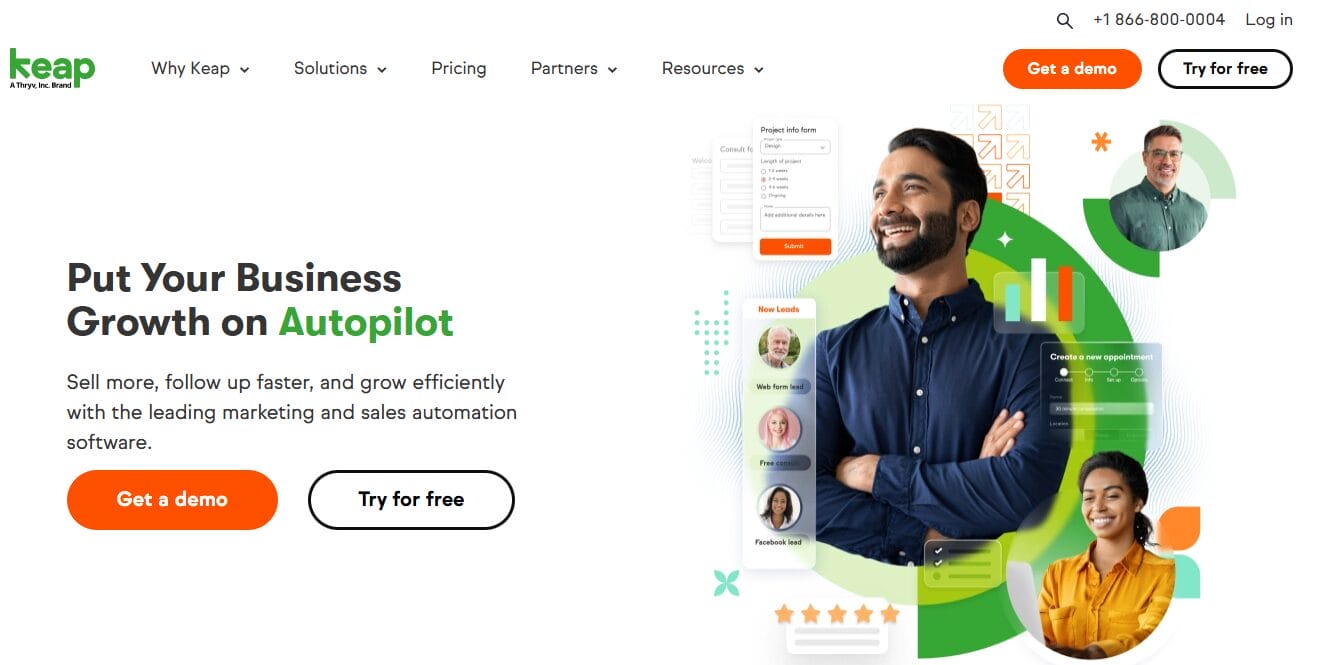
Keap is an excellent CRM platform for small businesses and solopreneurs who feel like they’re drowning in manual tasks. It was originally built as Infusionsoft, and yes, it had a reputation for being complicated back then, but the modern Keap has evolved into something far more approachable.
The entire platform is designed around one simple idea: helping you automate repetitive tasks so you can focus on growing your business instead of getting buried in administrative busywork.
What I like about Keap is how it handles leads and clients. It’s not just an email sender. It tracks every interaction from first contact to final payment. The automation features let you build campaigns that manage appointments, send invoice reminders, schedule follow-ups, and even fire off text messages.
Picture this: someone fills out a form on your site. Keap sends a welcome email, puts them on your calendar, texts them a reminder a day before the meeting, and follows up with an invoice afterward. You didn’t touch any of it. That’s the kind of practical magic this platform brings.
WordPress users can extend these capabilities further with FuseWP. It connects WordPress directly to Keap, allowing new users, profile updates, and form submissions to sync automatically with the CRM.
Features of Keap
- Contact and customer relationship management.
- Email marketing with drag-and-drop campaign builder.
- Marketing automation using visual campaign workflows.
- Sales pipeline management.
- Lead capture forms and landing pages.
- Appointment scheduling and calendar management.
- Quote creation and proposal management.
- Invoice generation and online payment processing.
- Automated follow-up sequences.
- Lead scoring and lead management.
- Task management and reminders.
- Customer segmentation using tags, custom fields, and purchase history.
- Email broadcasts and newsletters.
- A/B testing for selected campaign elements.
- SMS messaging through supported integrations.
- Reporting and sales performance dashboards.
- Mobile applications for Android and iOS.
- Integration with QuickBooks, Stripe, PayPal, Outlook, Gmail, Zoom, and many other business applications.
- API access for custom integrations.
Pros
- Combines CRM, email marketing, invoicing, and appointments in a single platform.
- Well suited to service businesses and consultants.
- Flexible marketing automation.
- Easy-to-use campaign builder.
- Built-in payment and invoicing features reduce the need for separate software.
- Good contact management and sales tracking.
- Appointment scheduling is included.
- Large library of integrations.
- Mobile apps support businesses working remotely.
- Suitable for businesses managing long-term customer relationships.
Cons
- Free plan is not available.
- Ecommerce capabilities are not as extensive as platforms designed specifically for online stores.
- Additional users increase monthly costs.
How Much Does Keap Cost?
Keap does not offer a permanent free plan, but it provides a 14-day free trial for new users to explore the platform and its features.
Its Pro plan starts at $249 per month for two users and includes CRM, sales automation, email marketing, appointment scheduling, quotes, invoices, payments, and marketing automation features.
Pricing also depends on the number of contacts in your account, so monthly costs increase as your customer database grows.
9. HighLevel
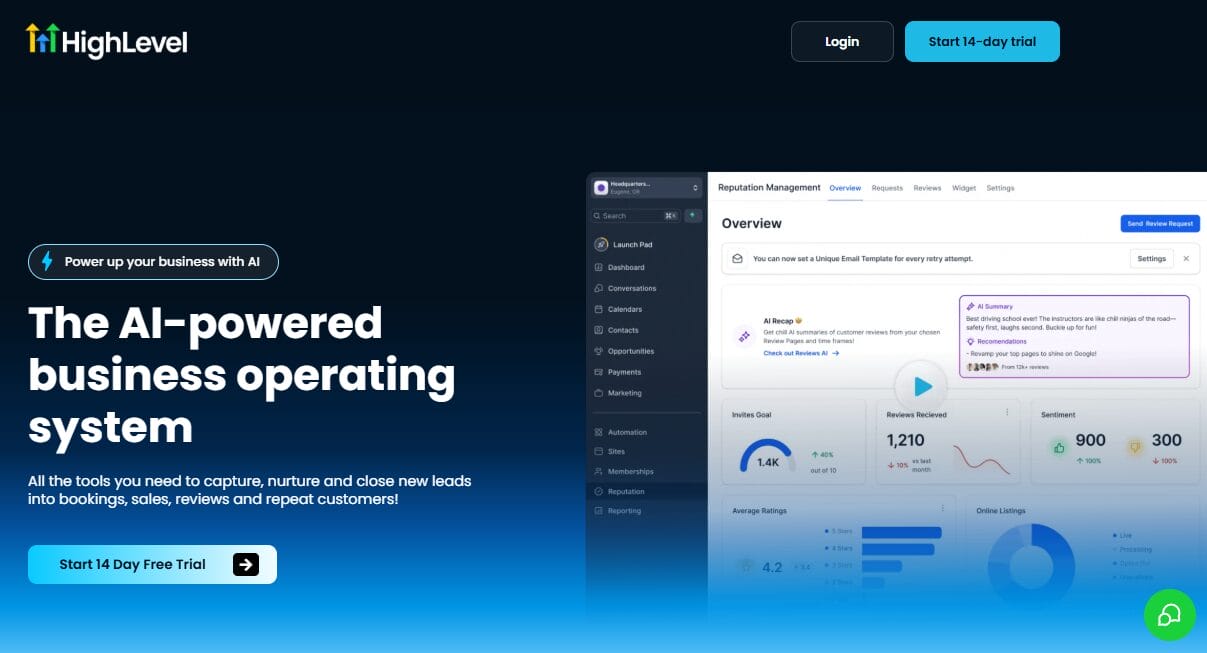
HighLevel is an effective email marketing and CRM platform built primarily for agencies, marketers, consultants, and service-based businesses that want to manage their marketing and sales activities from a single dashboard. The platform combines email marketing, SMS campaigns, CRM, funnel building, appointment booking, and reputation management, reducing the need for multiple separate services.
A feature many businesses appreciate is HighLevel’s automation capabilities. Users can create workflows that automatically send emails, text messages, reminders, and follow-up sequences based on customer actions and interactions. This helps businesses stay in touch with leads and clients without having to manage every conversation manually.
HighLevel also includes sales pipeline management, landing pages, forms, calendars, and reporting features that help businesses monitor leads and customer activity throughout the sales process. Its white label option has made it particularly popular among marketing agencies that want to offer branded marketing services to their clients while managing everything from a single platform.
Features of HighLevel
- CRM for managing contacts, leads, and customer communication.
- Drag-and-drop email campaign builder.
- Visual marketing automation builder.
- SMS marketing and automated text messaging.
- Two-way business texting.
- Voicemail drops and call automation.
- Appointment scheduling with calendar management.
- Sales pipeline management.
- Landing page and website builder.
- Funnel builder for lead generation and sales campaigns.
- Forms and surveys for collecting leads.
- Live web chat and conversation management.
- Facebook Messenger integration.
- Instagram messaging integration.
- Reputation management with review requests.
- Payment collection and invoicing.
- Membership site creation.
- Workflow automation based on customer activity.
- Contact segmentation using tags and custom fields.
- Campaign analytics and reporting.
- Mobile applications for Android and iOS.
- White-label platform for agencies.
- API access for custom integrations.
- Integration with Stripe, Google, Facebook, Zoom, QuickBooks, and many other apps.
Pros
- Combines CRM, email marketing, automation, funnels, and communication channels in one platform.
- Well suited to agencies managing multiple clients.
- White-label capability allows agencies to brand the platform as their own.
- Visual workflow builder supports detailed customer journeys.
- Includes appointment scheduling and calendar management.
- Supports email, SMS, phone calls, voicemail, and social messaging.
- Membership site functionality is built into the platform.
- Sales pipelines help businesses monitor lead progress.
- Large collection of integrations.
Cons
- Interface contains many features that smaller businesses may never use.
- White-label capability is available only on higher plans.
- SMS and phone charges are billed separately.
- Monthly costs increase when communication usage grows.
How Much Does HighLevel Cost?
HighLevel offers several pricing plans for businesses, agencies, and SaaS providers. It also provides a 14-day free trial, allowing users to explore the platform before purchasing a subscription.
The Starter Plan begins at $97 per month and includes CRM, email marketing, automation, sales funnels, websites, calendars, forms, and other business features. Higher-tier plans are available for agencies that need unlimited client accounts, white-label branding, and SaaS functionality.
10. Omnisend
Omnisend started as an email tool for e-commerce, but it has grown into something bigger. It now combines email, SMS, and push notifications into a single platform built specifically for online stores. Unlike general marketing platforms, Omnisend understands how people actually shop. It tracks product views, cart additions, and purchase history, then uses that data to send messages that feel timely and relevant.
The automation features are where Omnisend really shines. You can set up workflows for abandoned carts, welcome sequences, order confirmations, and post-purchase follow-ups without touching a single line of code.
Its visual builder lets you drag and drop conditions, so you can branch your campaigns based on what customers do or don’t do. Bought a product? Send a cross-sell email a few days later. Viewed a category but didn’t buy? Trigger a discount offer. The platform also gives you pre-built templates for common scenarios, which saves a ton of time when you’re getting started.
That said, Omnisend isn’t perfect for every business. If you run a service-based company or a content brand, you might find it too focused on retail. The contact list pricing can also get expensive as you grow. But for e-commerce brands that want email, SMS, and push notifications in one place, Omnisend delivers. It’s built by people who understand online selling, and it shows in every feature.
Features of Omnisend
- Drag-and-drop email campaign builder.
- Ready-made email templates for ecommerce campaigns.
- Marketing automation with visual workflow builder.
- Welcome email series.
- Abandoned cart recovery emails.
- Browse abandonment campaigns.
- Order confirmation and shipping notifications.
- Product recommendation emails.
- SMS marketing campaigns.
- Email and SMS automation within the same workflow.
- Customer segmentation based on shopping behavior, purchases, engagement, and demographics.
- Signup forms, pop-ups, and landing pages.
- Product picker for adding products directly to emails.
- A/B testing for campaigns.
- Campaign scheduling and send-time optimization.
- Revenue attribution and ecommerce reporting.
- Customer lifecycle tracking.
- Mobile-friendly email templates.
- Integration with Shopify, WooCommerce, BigCommerce, Wix, Magento, and other ecommerce platforms.
- API access for custom integrations.
- FuseWP integration for connecting WordPress users with Omnisend.
Pros
- Built specifically for ecommerce businesses.
- Easy email campaign creation with attractive templates.
- Ready-made automation saves setup time.
- Email and SMS campaigns can work together.
- Excellent abandoned cart recovery features.
- Product recommendations help increase repeat purchases.
- Useful ecommerce reporting and revenue tracking.
- Works well with major ecommerce platforms.
- Free plan available for small stores.
Cons
- Designed mainly for ecommerce rather than service-based businesses.
- CRM capabilities are limited
- SMS messages require additional credits.
How Much Does Omnisend Cost?
Omnisend offers a Free plan that allows businesses to store up to 250 contacts and send up to 500 emails per month.
Paid plans start at $11.20 per month, with higher tiers offering larger contact limits, additional email sends, and access to more advanced marketing features.
11. GetResponse
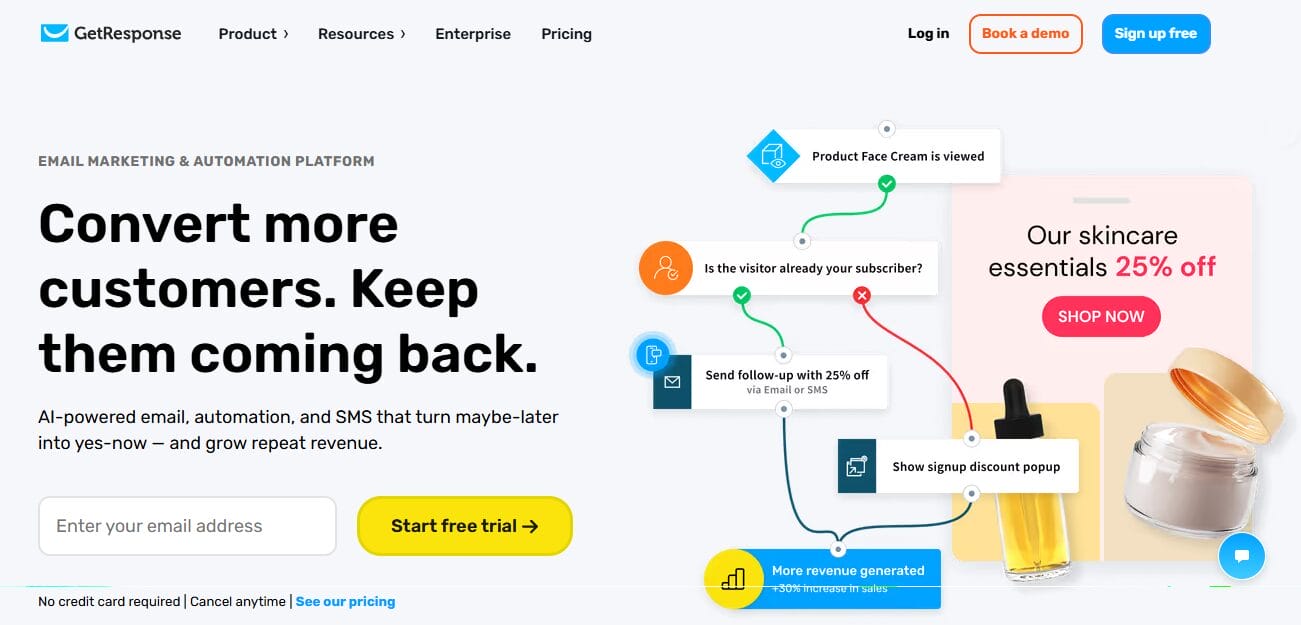
GetResponse has been around for years, and it keeps getting better. It started as a simple email newsletter service, but now it offers landing pages, webinars, and automation workflows.
What I appreciate about GetResponse is how much you get for what you pay. Their entry-level plan includes email sends, basic automation, and landing page builder features that many competitors lock behind higher tiers.
The automation builder feels intuitive without being shallow. You can set up sequences based on opens, clicks, purchases, or even webinar attendance.
Want to send a replay link to everyone who registered but didn’t show up? Easy. Want to tag subscribers based on which links they click? Done. GetResponse also includes a conversion funnel feature that helps you map out the entire customer journey from first visit to final sale.
Features of GetResponse
- Drag-and-drop email builder.
- Professionally designed email templates.
- Marketing automation with visual workflow builder.
- Autoresponders for automated follow-up campaigns.
- Customer segmentation based on behavior, engagement, purchases, tags, and custom fields.
- Landing page builder.
- Website builder with AI assistance.
- Signup forms and pop-ups.
- Conversion funnel builder.
- Webinar hosting with registration pages and attendee management.
- Ecommerce marketing automation.
- Abandoned cart recovery.
- Product recommendation emails.
- Transactional email support.
- SMS marketing on selected plans.
- Web push notifications.
- Live chat functionality.
- A/B testing for emails, landing pages, and signup forms.
- Campaign analytics and conversion reporting.
- Revenue tracking for ecommerce businesses.
- API access for custom integrations.
- Integration with Shopify, WooCommerce, Stripe, PayPal, Magento, WordPress, Salesforce, and many other business applications.
- FuseWP integration for connecting WordPress with GetResponse.
Pros
- Combines email marketing, webinars, landing pages, and automation within one platform.
- Visual workflow builder is easy to understand.
- Webinar hosting removes the need for separate webinar software.
- Conversion funnels help manage the customer journey.
- Useful ecommerce automation.
- Good selection of templates.
- Flexible audience segmentation.
- Landing pages and signup forms are included.
- Integrates with many ecommerce and payment platforms.
- Free plan available for smaller businesses.
Cons
- SMS marketing is unavailable on lower plans.
- Monthly pricing increases with subscriber growth.
- CRM features are less developed than dedicated CRM platforms.
How Much Does GetResponse Cost?
GetResponse offers a free plan and paid plans. Its paid plans start at $15 per month, with pricing increasing based on the selected plan and the size of the contact list.
12. Constant Contact
Constant Contact is an excellent email marketing and CRM platform designed for small businesses, nonprofits, creators, and local organizations looking to grow their audience and maintain regular communication with customers and subscribers.
The platform combines email marketing, contact management, event marketing, and social media features within a single dashboard.
A major reason businesses choose Constant Contact is its ease of use and wide range of marketing features. Users can create newsletters using drag-and-drop templates, build signup forms, schedule campaigns, and track performance through detailed reports and analytics. The platform also supports marketing automation for welcome emails, follow-ups, and customer engagement campaigns.
Constant Contact includes CRM functionality that helps businesses organize contacts, segment audiences, and manage customer relationships more effectively. Integrations with platforms such as WordPress, Shopify, WooCommerce, and Facebook make it easier to connect marketing activities with existing business systems.
Features of Constant Contact
- Drag-and-drop email editor.
- Large collection of professionally designed email templates.
- Newsletter and promotional campaign creation.
- Welcome email automation.
- Birthday and anniversary email campaigns.
- Abandoned cart email support for ecommerce stores.
- Customer segmentation using tags, lists, engagement, and contact information.
- Signup forms and pop-up forms.
- Landing page builder.
- Event management and event registration.
- Social media posting and scheduling.
- Contact management.
- Survey creation.
- Poll creation.
- A/B testing for subject lines.
- Campaign scheduling.
- Email reporting with open rates, clicks, bounces, and engagement metrics.
- Ecommerce integrations for product promotion.
- Mobile applications for campaign management.
- API access for developers.
- Integration with Shopify, WooCommerce, Canva, WordPress, Salesforce, QuickBooks, and many other business applications.
Pros
- Easy email campaign creation.
- Attractive collection of ready-made templates.
- Good contact management for small and growing businesses.
- Event management features are useful for organizations hosting regular events.
- Includes surveys and polls for audience engagement.
- Ecommerce integrations support product promotion.
- Helpful reporting for campaign performance.
- Mobile apps allow campaign management away from the office.
- Free trial available for new users.
- Suitable for charities, community organizations, and service businesses.
Cons
- Marketing automation is less advanced than platforms higher in this ranking.
- CRM capabilities are relatively basic.
- A/B testing is limited compared to competing services.
- Monthly pricing increases with the size of the contact list.
- Advanced segmentation options are less flexible than certain competitors.
- Landing page options are relatively limited.
- Businesses with complex automation needs may outgrow the platform.
- Higher plans are required for additional marketing features.
How Much Does Constant Contact Cost?
Constant Contact offers a 14-day free trial that gives new users access to the platform before committing to a subscription.
Paid plans start at $12 per month, with pricing increasing based on the number of contacts and the features included in each plan.
Frequently Asked Questions About Email Marketing and CRM Platforms
Q1. What is the difference between email marketing software and a CRM?
Email marketing software focuses on sending campaigns, managing subscriber lists, and tracking open and click rates. A CRM (customer relationship management) system goes further. It tracks every interaction with a lead or customer: phone calls, meetings, deal stages, support tickets, and purchase history.
Many platforms now combine both, so you can send emails while also managing your sales pipeline in the same place. Some platforms lean heavier on marketing, while others prioritize sales. Your choice depends on which side matters more for your business.
Q2. What features should I look for in an email marketing and CRM platform?
The features you need will depend on your business goals, but there are several areas worth considering:
- Email campaign creation and management
- Contact management
- Marketing automation
- Audience segmentation
- Reporting and analytics
- Sales pipeline management
- Landing pages and signup forms
- Ecommerce integrations
- SMS marketing capabilities
- Third-party integrations
Q3. Which platform is best for small businesses?
Platforms such as Brevo, Mailchimp, and GetResponse are popular choices for small businesses because they offer affordable pricing, easy setup, and useful marketing features without requiring a large budget.
Q4. Which platform is best for ecommerce businesses?
Ecommerce businesses widely use Klaviyo and Omnisend because they offer features designed for online stores, such as abandoned cart recovery, customer segmentation, purchase tracking, and product recommendation emails.
Q5. Can I switch from one email marketing platform to another?
Yes. Most platforms allow users to import contacts, email templates, and customer data from another service. Many providers also offer migration assistance or import guides to make the transition easier.
Q6. Can these platforms integrate with WordPress?
Yes, all platforms on this list can integrate with WordPress via FuseWP.
FuseWP is a WordPress integration plugin that connects websites with email marketing platforms, marketing automation systems, and CRM software. It automatically syncs WordPress users, profile updates, and form submissions with your preferred email marketing or CRM platform.
With FuseWP, businesses can subscribe users to email lists after registration, update contact information when users edit their profiles, and remove contacts when accounts are deleted. It also allows existing WordPress users to be exported, bulk-synced, and transferred to connected CRM or email marketing platforms.
FuseWP supports popular WordPress plugins, including WooCommerce, MemberPress, LearnDash, Tutor LMS, Paid Memberships Pro, ProfilePress, GiveWP, Gravity Forms, WPForms, Fluent Forms, and many others. This allows businesses to sync customers, members, students, donors, and leads based on purchases, subscriptions, memberships, course enrolments, donations, and form submissions.
Final Thoughts: Which Email Marketing & CRM Platform Deserves Your Business?
After comparing several email marketing and CRM platforms side by side, here is the truth nobody wants to admit: there is no perfect choice. Every platform has strengths.
If you run an online store, Klaviyo and Omnisend give you ecommerce features that general platforms cannot match. If you need deep automation and sales tracking, ActiveCampaign and HubSpot deliver power that scales with your growth.
If you are a coach, consultant, or agency owner, Keap and HighLevel handle client management and workflow automation, saving you hours every week. And if you are on a tight budget, Brevo, Mailchimp, or GetResponse give you real functionality without asking for your credit card right away.
We hope this article helped you find the best email marketing and CRM platform for your business.